Let’s get down to the practical bit — how to create an actual e-learning course. We’ll walk you through each step based on best practices and our experiences in the industry.
Use learning objectives
Before you can even create your e-learning course, it’s essential to start by defining a clear purpose for it. A learning objective is a clear statement of what the learner will take away from the course.
Learning objectives are specific and should be made clear to the learner from the very beginning of the course. This way, there is no misunderstanding about what the point of the course is.
Easygenerator offers a convenient Learning Objective Maker as a standard feature of its course authoring software. The Learning Objective Maker helps course authors define specific learning objectives, so they can create better clearer courses.
One of our blog post tells you even more about the importance of learning objectives and how to use them even more effectively.
Create assessments before writing content
Now that you know the objective of your course, you should create an assessment that will demonstrate your learners have met this objective. The reason we do this before creating the content is you should only be including content that will help them answer these questions and so meet the objectives.
Assessments (such as tests or other kinds of exercises) enable you to quantify how well a learner is internalizing the information from the course. It’s important to remember that results are not just a reflection of the learner’s abilities, but may also reflect on the quality of the course. If the course does a bad job of explaining key information, then it should be no surprise that learners perform poorly on the assessment.
Check out our blog post on how to write content for e-learning and get useful writing tips.
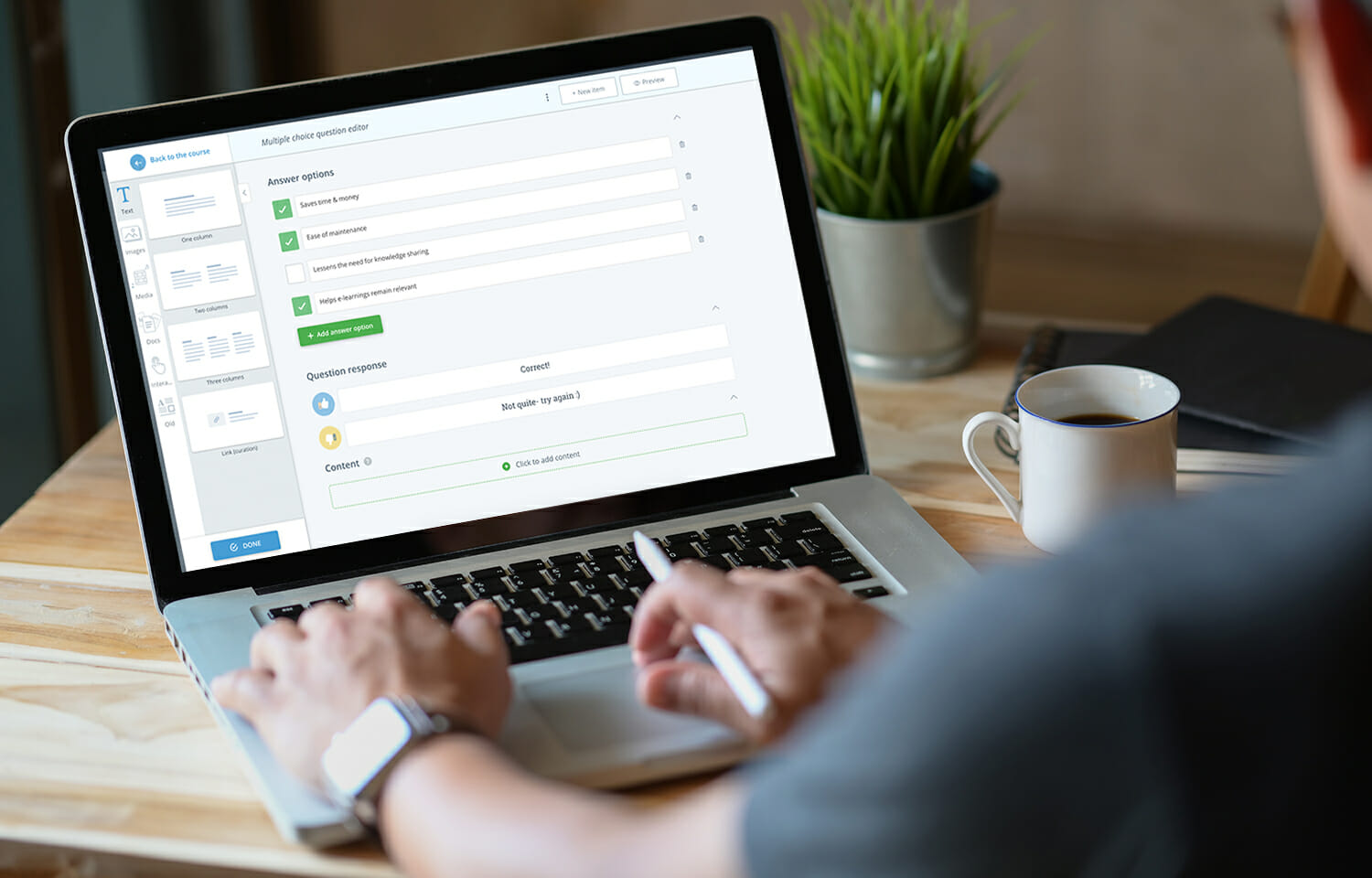
There are many different types of assessments. Be sure you use a variety of assessment types for your course, as variety is proven to boost learner engagement and knowledge acquisition. Also choose assessment types strategically, as some types are better suited than others for specific forms of learning content.
Each of these question types can be very effective when used in the right context. Check out this guide for more information and tips on how to use each question type effectively.
When creating assessments, be sure to include instant feedback that praises learners when they do well, but also encourages them to find the right answers when they are struggling.
Learn how to create responsive e-learning.
Designing your course
Creating an e-learning course is more than simply uploading your PowerPoint presentation (in fact this isn’t best practice). But if you are looking to make use of your existing slides, you can convert your PowerPoint into e-learning using Easygenerator. Read this article to get inspired on how to enhance learner engagement.
But to create an e-learning course, we’ve gathered a few best practices for the design, structure, and text:
Create your e-learning content
- Follow the rules of good writing. Keep sentences (no longer than 20 words) and paragraphs short. Be as specific as possible. Check out our blog post for some great writing tips.
- Keep videos under 6 minutes. Anything over and your learner will lose focus.
- Questions should be quick to answer. It shouldn’t take longer than 30-45 seconds for your learner to answer a question.
Design & structure
- Bite size is the right size. Provide information in small bits (known as “microlearning”) to make it easier to digest. Each course should be under 1,000 words.
- Use a variety of course structures. Variety helps learners remember information more easily. Using different structures for the various parts of your course can help beat the “forgetting curve” (Easygenerator lets you choose from numerous templates and assessment types that make it easy to add variety to your course).
- Two visuals per page. Limit the pictures and visuals you use to only what’s relevant.
Notice that most of them refer to the length of the content. As a rule, the shorter the content, the better. This is because learning in short, easily repetitive intervals is proven to be more effective than studying lengthy texts or watching long presentations. If you struggle to keep your course within these size limitations, consider breaking it into multiple courses instead. Also, making your e-learning content gamified is a good way to engage your learners.
Get feedback from colleagues
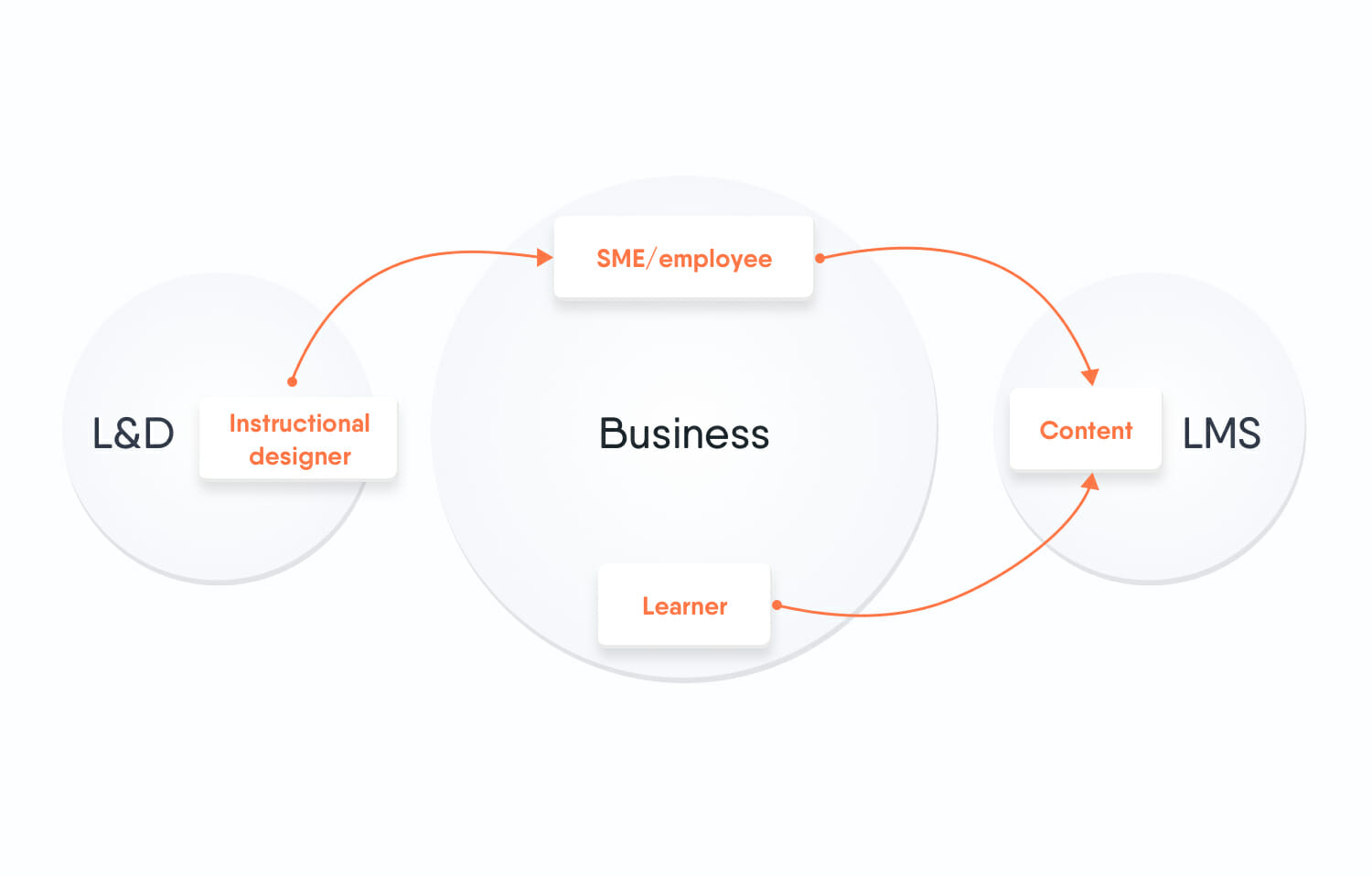
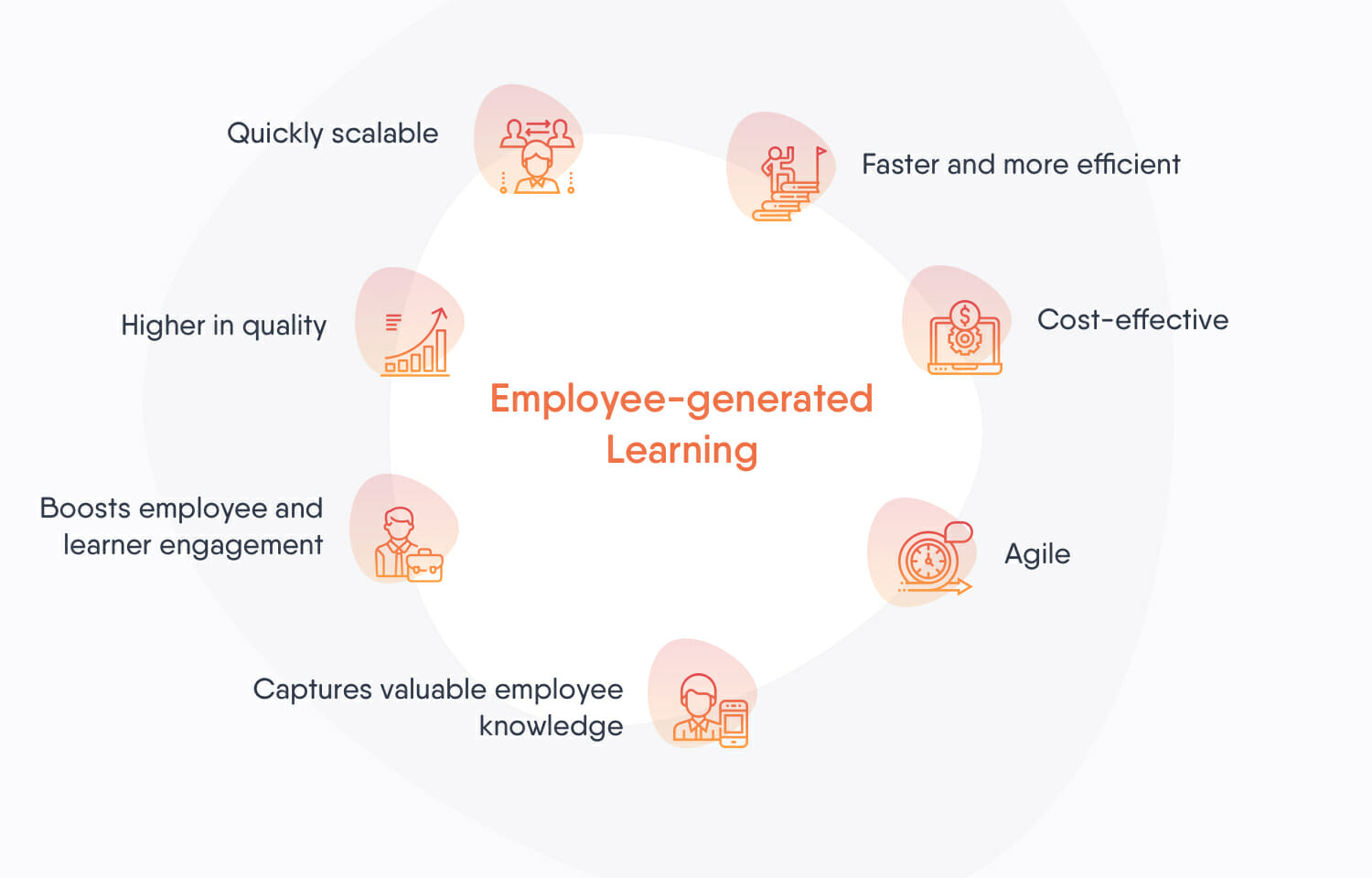
We all know the saying “two heads are better than one,” and the same definitely applies when authoring an online course. If you’re creating Employee-generated Learning, ask multiple expert employees to work together on a course or review each other’s work to ensure that no important information is left out.
Easygenerator enables authors to share the link to their course with others (even people who do not have an Easygenerator account), so they can collaborate, and gather useful feedback and insight for improving. Peer review also ensures that the content of the course is accurate and up to date.
Share your course
Once you and your colleagues are happy with the course, it’s time to publish it. How you publish your course will depend on the tools you’re using, but the typical process is to create your course in an authoring tool and download it as a SCORM package. This can then be uploaded to your Learning Management System (LMS).
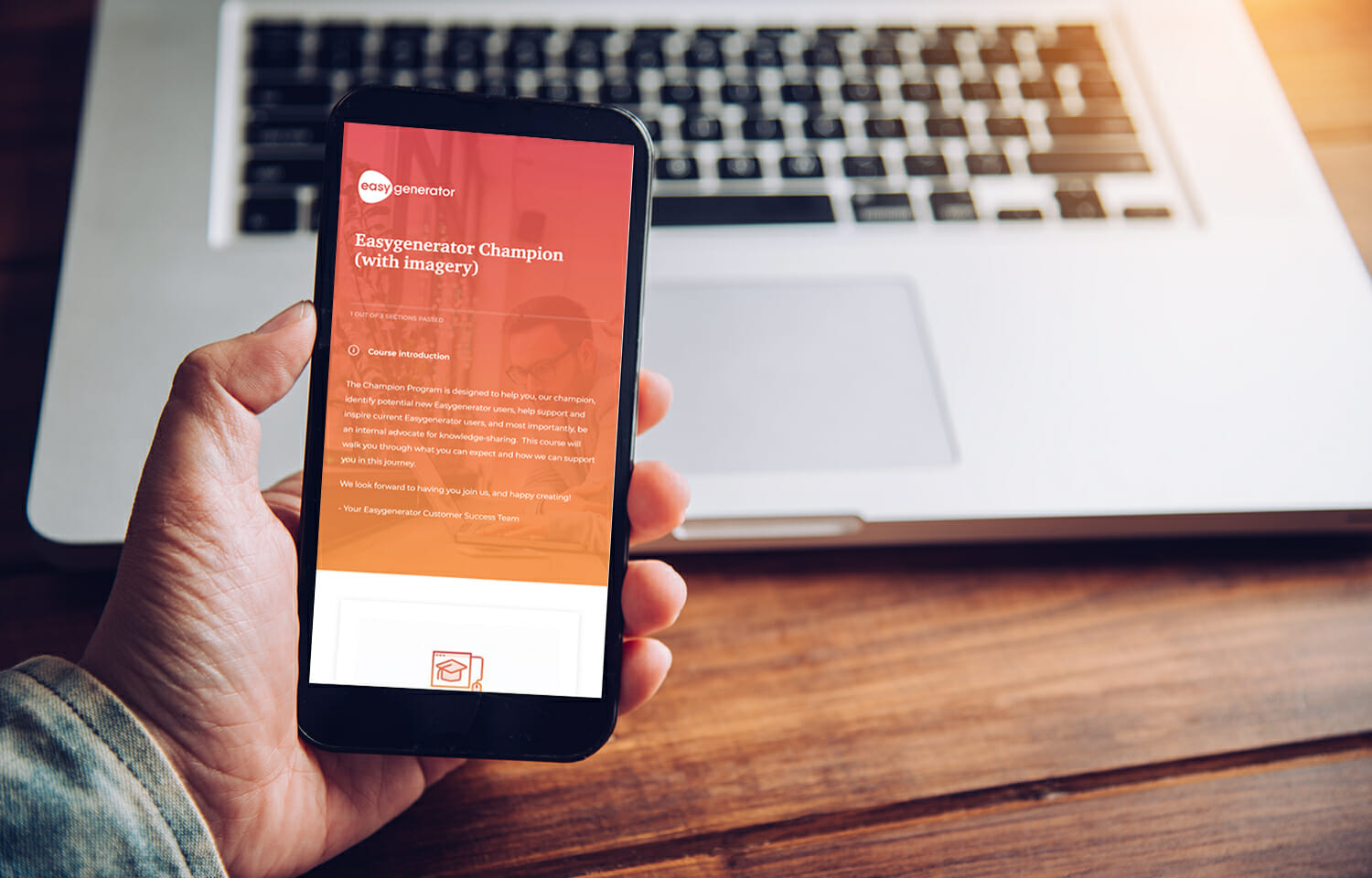
Your employees can access your course from the LMS, which will track their results and issue certificates (among other things, depending on your LMS).
But even now your course is published, you can’t forget about it. It needs to be maintained and updated, which brings us to our next section.