


Publish e-learning your way. Any platform, anywhere.
Easygenerator is a SCORM course builder that gives you complete control over how and where you deliver training. One click, any platform, no lock-in.
Trusted by 75,000+ authors in 2,000+ companies
Every way to publish, in one place
Connect to your LMS, share a link, or embed training into your digital workplace. Easygenerator is a SCORM authoring tool that fits your flows, not the other way around.
Native integration
Native integrations for one-click publishing
Choose from our list of native integrations with leading learning platforms. Connect once and publish courses with a single click.
- Courses hosted inside your LMS, secure, accessible, and fully yours
- Set up once and updates sync automatically going forward
- Works with Cornerstone, LearnUpon, Degreed, HowNow, BlendLXP, and more
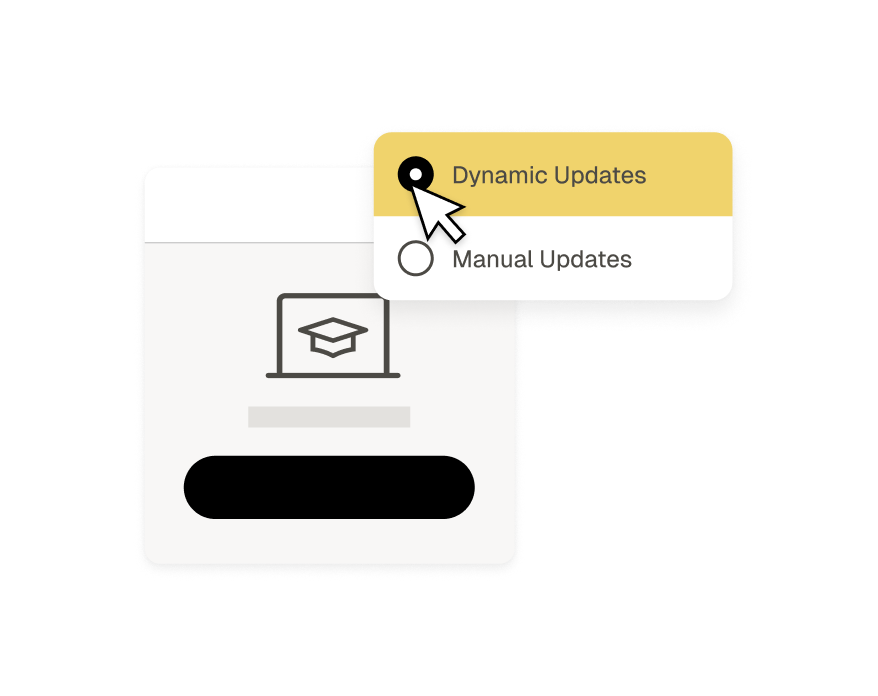
Dynamic SCORM
Dynamic SCORM for automatic updates
No native integration? With dynamic SCORM, every update you make in Easygenerator gets pushed to your LMS automatically.
- One upload. Unlimited updates.
- Learners always see the latest version of the course.
- Saves LMS storage. Media files stay on Easygenerator, not in your SCORM files.
Manual SCORM
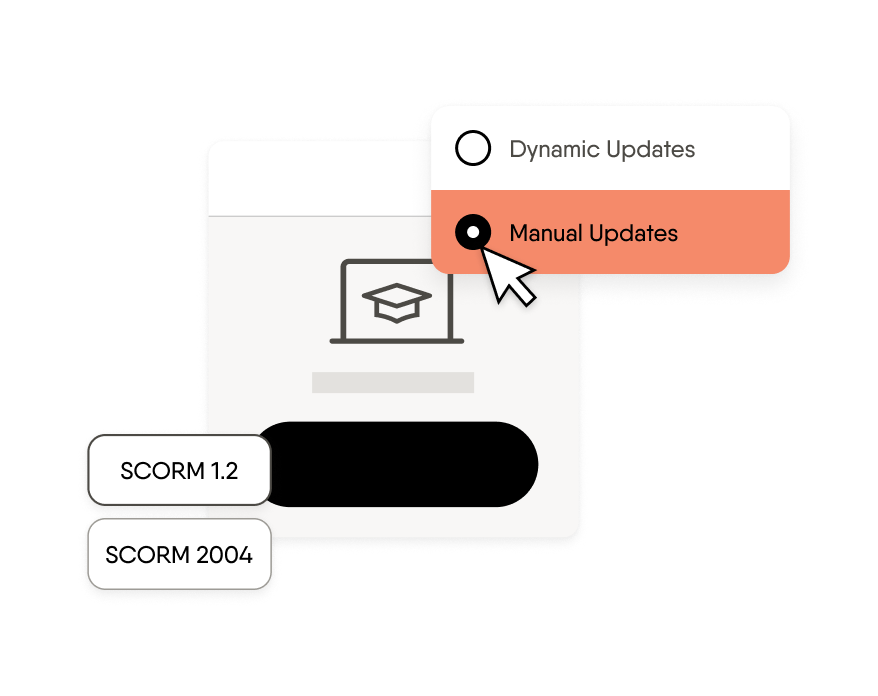
Manual SCORM for full control
Create SCORM course packages and export them as SCORM 1.2 or SCORM 2004. Ideal if your platform doesn’t support dynamic updates, or if you need full version control.
- Compatible with any SCORM 1.2 or SCORM 2004 LMS or LXP
- Learner progress saved to your LMS LRS
- Download and store course files offline as backup
xAPI
xAPI for rich learner tracking
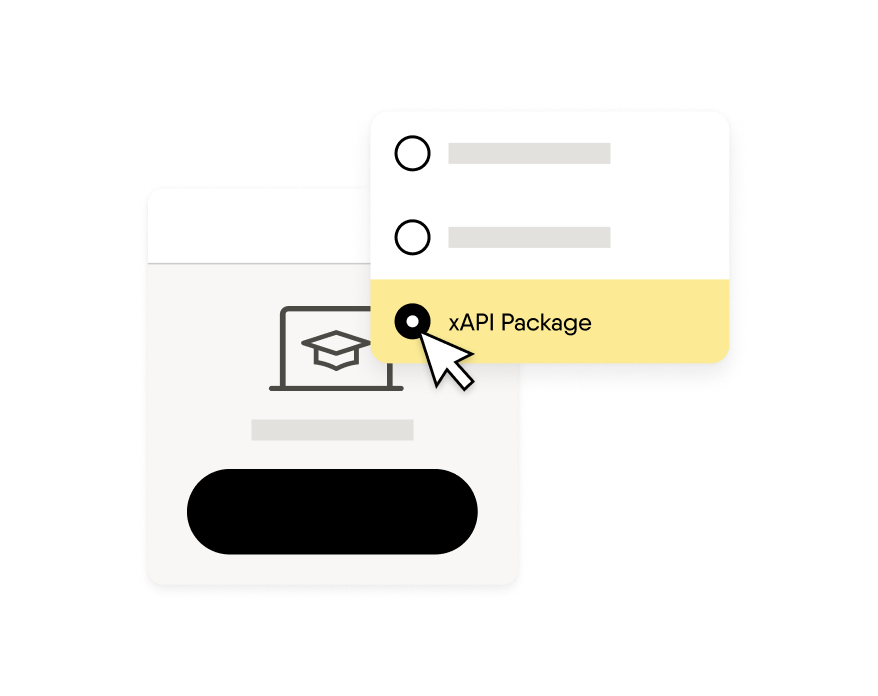
Export as an xAPI package and capture richer learner data than SCORM allows. It connects automatically to your LMS LRS on launch.
- Richer tracking than SCORM, including answers, attempts, and time on task
- Auto-connects to LRS on launch, no configuration needed
- Works in any xAPI-compatible LMS or LXP
Private links
Private links for direct sharing
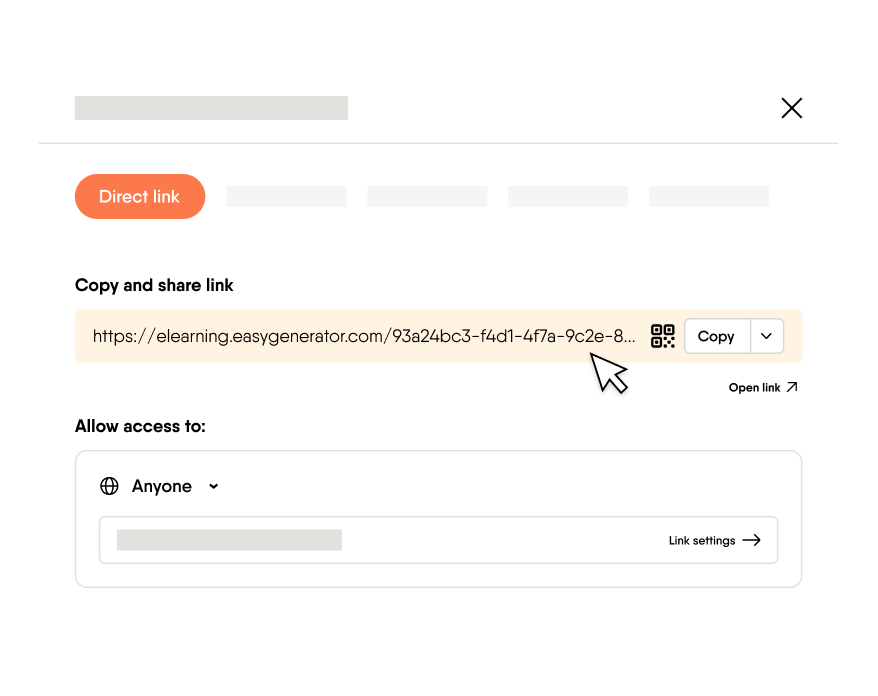
Publish a link and share it directly with anyone, inside or outside your organization. No LMS access needed, and it’s ready to share in seconds.
- Includes QR code (downloadable PNG) for physical or offline sharing
- Restrict access with a whitelist so only invited learners can open the course
- Protect it with a password
- Deactivate courses when necessary to keep content updated
Embed
Embed options for your digital workplace
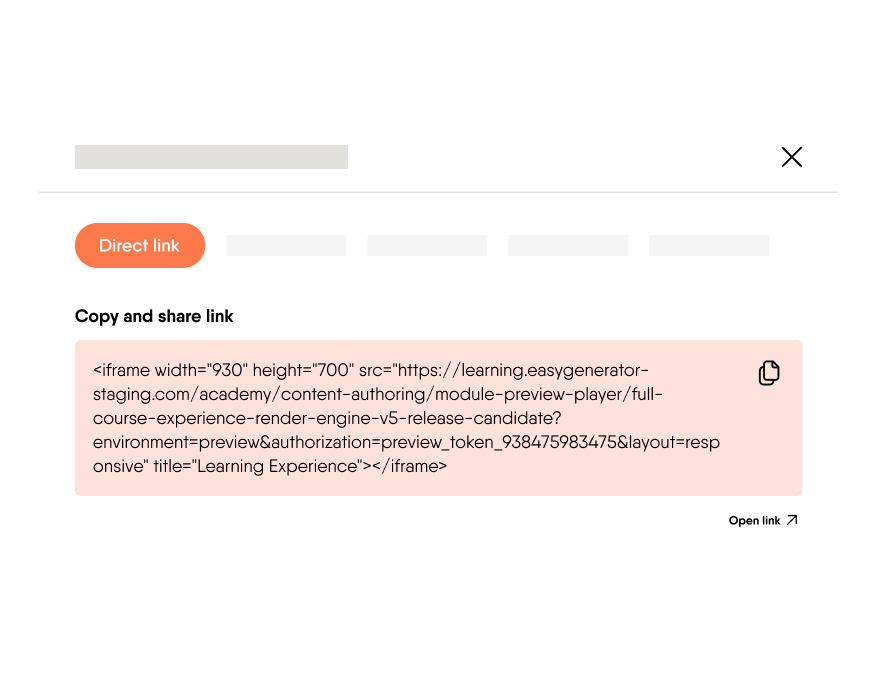
Embed your course as an iframe into any intranet, website, or SharePoint page. Learners access training without switching tools.
- Works with SharePoint, intranets, and any HTML-compatible platform
- Customizable frame dimensions to fit your page layout
- Embed in your own domain to create a personalized course URL
More ways to publish
Whichever way your team works, Easygenerator's SCORM course builder has a publishing method that works for you

LTI 1.2

HTML hosting

PDF export

QR code
Your content. Your platform. Your rules.

No vendor lock-in
You fully own your courses in Easygenerator. Export and take them to any platform, at any time. No contracts or migration fees required.

You control what goes live
Decide when updates are pushed and when learners see changes. Admins can restrict publishing rights so only approved content goes out.

Compliant from day one
Easygenerator is GDPR-compliant, ISO 27001 certified, hosted on AWS, and end-to-end encrypted. Your training data stays in your own environment.
FAQ
How do I choose the right distribution method?
–
The right method depends on whether you use an LMS and how much control you need over access and updates. If you have an LMS, Easygenerator’s Dynamic SCORM or native integrations are the easiest option. Dynamic SCORM or the native integrations in Easygenerator’s SCORM course builder are the easiest options if you have an LMS. If you need to share training without a platform, a private link or embed works well for most scenarios.
Can I update LMS content without re-uploading a SCORM file?
+
Yes. With Easygenerator’s Dynamic SCORM, you upload your SCORM package to your LMS once. Every future update you make in Easygenerator gets pushed to your LMS with one click, so learners always see the latest version without any re-uploading.
Can I control who accesses my e-learning course?
+
Yes. Easygenerator’s Whitelist feature lets you restrict course access to specific learners by email address. You can also protect any private link course with a password, so only the right people can open it.
Can I use one SCORM package across multiple LMS platforms?
+
Yes. Easygenerator is a SCORM creator that exports Dynamic SCORM. You can upload the same package to multiple LMS platforms and push updates to all of them with one click. With manual SCORM, you can export and upload the package to any SCORM 1.2 or SCORM 2004 compatible platform.
Which LMS platforms does Easygenerator integrate with?
+
Any LMS or LXP that supports SCORM 1.2 or SCORM 2004 works with Easygenerator’s SCORM authoring tool. For native one-click publishing, Easygenerator connects directly with Cornerstone, LearnUpon, Degreed, HowNow, BlendLXP, and more. You can see the full list of integrations on the Easygenerator integrations page.
Can I move my e-learning content to a different LMS?
+
Yes. You fully own your courses in Easygenerator and can export them at any time. There is no vendor lock-in, so you can switch platforms whenever you need to without losing your content or starting from scratch.
Does Easygenerator support xAPI and LRS tracking?
+
Yes. Easygenerator lets you export any course as an xAPI package that connects automatically to your LMS LRS on launch. You get richer tracking than SCORM, including answers, attempts, and time on task, with no manual configuration needed.
Can I publish multilingual courses from one file?
+
Yes. With EasyTranslate, Easygenerator lets you export a single SCORM or xAPI file that serves learners in their preferred language automatically. You upload once to your LMS and learners see the course in their own language, with no separate files to manage.
Publish your first course in minutes
Join 75,000+ authors already using Easygenerator to deliver training to any platform, with any LMS.