


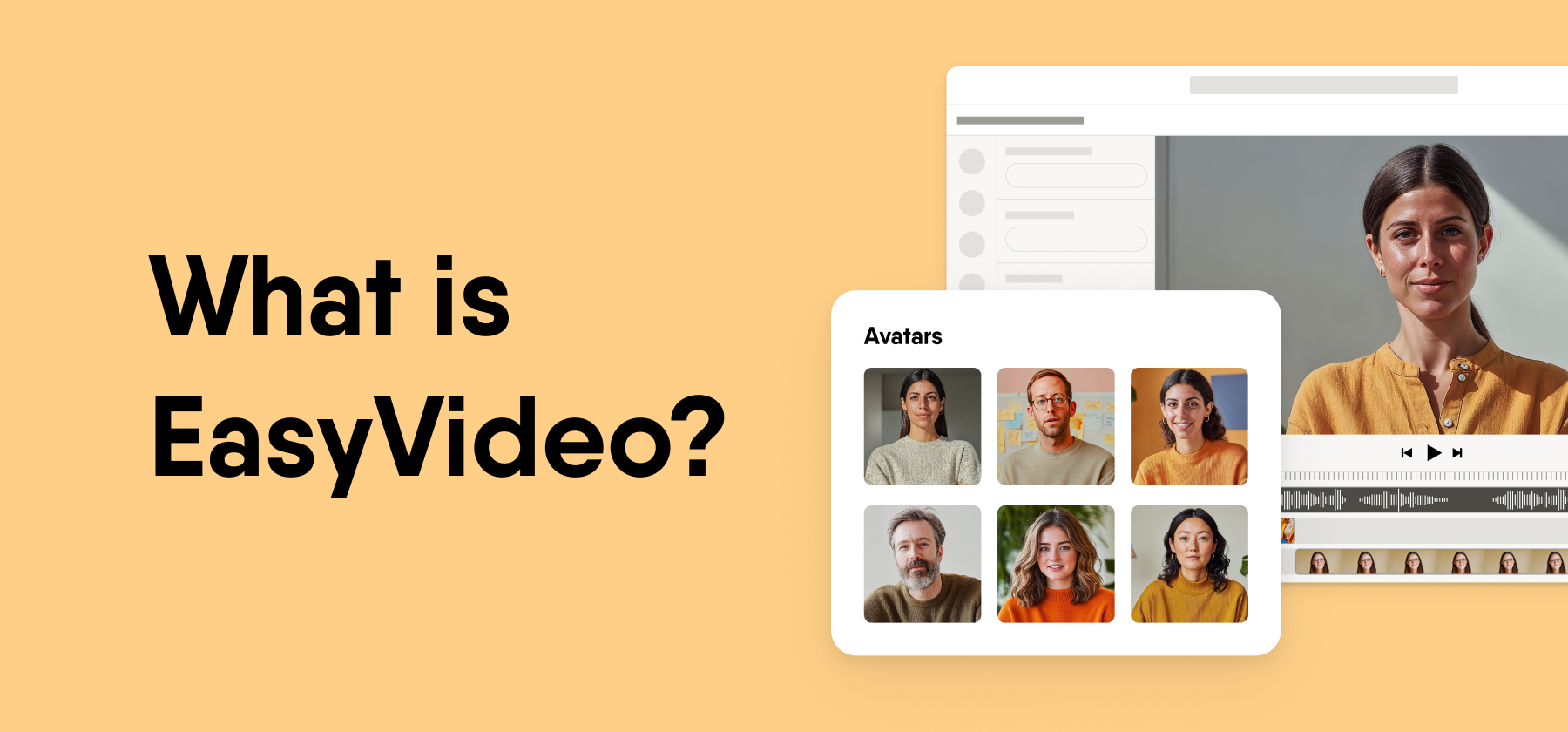
EasyVideo is an AI video creation tool for training content, available as a paid addition to the Easygenerator e-learning authoring suite. L&D teams and subject-matter experts use it to turn PowerPoints, documents, prompts, and screen recordings into training videos with AI avatars and voiceovers. They then translate those videos into 70+ languages and publish them inside Easygenerator courses.
This guide explains what EasyVideo does, how it relates to Easygenerator, who it fits, and how it compares with Synthesia, Colossyan, HeyGen, and Vyond. Easygenerator publishes this page, and EasyVideo is our own product.
Key takeaways
- EasyVideo is part of the Easygenerator suite. It is a paid addition to the Easygenerator authoring tool, so it is neither a separate company nor a standalone video app.
- Videos start from content teams already have. EasyVideo turns PowerPoints, documents, prompts, scripts, and screen recordings into editable video scenes.
- One video works in 70+ languages. A single embed code serves every language version, and learners switch language in the player.
- EasyVideo fits teams that build courses and videos together. Standalone platforms such as HeyGen and Synthesia offer larger avatar and language libraries, while EasyVideo keeps the video, the quiz, and LMS publishing in one course.
EasyVideo is a paid addition to Easygenerator
EasyVideo is the video creation tool inside Easygenerator, and Easygenerator is the e-learning authoring platform around it. Teams that use EasyVideo build their videos in the same place they build their courses.
Easygenerator builds courses, and EasyVideo adds video to them
Easygenerator is an e-learning authoring platform for enterprise L&D teams and subject-matter experts. Authors use it to build courses, quizzes, and assessments, and to publish them to an LMS.
EasyVideo adds video creation to that workflow. Authors open EasyVideo from the platform, build the video, and add it to a course without a separate video tool.
EasyVideo sits next to EasyAI Agent, EasyTranslate, and EasyCoach in one suite
The Easygenerator suite includes several tools inside the platform. Each tool covers a different part of training content creation.
| Tool | What it does | Availability |
|---|---|---|
| Easygenerator | Authoring tool for courses, quizzes, and assessments | Core platform |
| EasyAI Agent | Conversational AI assistant that helps authors create and edit course content | Included in all plans at no extra cost |
| EasyVideo | AI video creation with avatars, voices, and one-click localization | Paid addition to the suite |
| EasyTranslate | Translation of course content into other languages | Paid addition to the suite |
| EasyCoach | AI roleplay practice for conversation skills | Paid addition to the suite |
EasyVideo works inside the authoring tool
EasyVideo handles e-learning video production inside the authoring tool where the course lives. Authors write, record, edit, translate, and publish the video in Easygenerator, so the video, the quiz after it, and the LMS tracking all sit in one course.
Traditional training video production needs a studio, a film crew, an editor, and several review rounds. Updates mean a new shoot. EasyVideo replaces that chain with AI avatars, AI voices, and scene-based editing that one author can manage.
Budgets add pressure. Fosway Group’s Digital Learning Realities research 2025 found that 61% of L&D teams saw their budget decrease or stay the same. Video that one author can make and update fits that reality better than a studio production.
Nada Hazem, Senior Product Manager for AI and Innovation at Easygenerator, made the case for faster and simpler video in our February 2026 webinar on video learning. She argued that outdated knowledge costs more than imperfect production.
“The risk of not sharing knowledge at all has a much bigger negative impact than sharing content that isn’t in a perfect format.”
Nada Hazem, Senior Product Manager for AI and Innovation at Easygenerator. Easygenerator webinar on video learning, February 2026.
That idea shapes how EasyVideo works. Subject-matter experts can share what they know as video, and L&D teams keep control over quality and review.
Create videos from five kinds of source material
EasyVideo gives authors five starting points, and each one creates a video made of editable scenes. Authors can mix them in one project.
PowerPoint to video for corporate training turns each slide into a scene
EasyVideo turns a PowerPoint deck into a narrated training video. Each slide becomes an editable scene, and the text, images, and layout carry over from the deck.
EasyVideo generates narration from the speaker notes and slide content, and it can add AI avatars and visuals. It reads decks in any supported language and generates narration in the language of the deck.
The import accepts PPTX files of up to 50 slides and 50 MB (EasyVideo help center). Teams that already store their training knowledge in slides can reuse it instead of starting over. We compare slide-based tools in our video presentation software article.
Document and prompt to video builds a full first draft
EasyVideo builds a full video draft from a document or a short prompt. It generates the structure, the script, the scenes, and the supporting visuals, and the author refines the draft from there.
Script-driven creation updates the video when the words change
Authors can create and edit a video straight from the script. When the author changes the words, the video updates to match, so nobody needs to touch a timeline.
Screen and camera recording captures walkthroughs inside the editor
EasyVideo records the screen, the camera, or both at once. Recordings go straight to the media library and the timeline, and authors can move the camera bubble anywhere on screen while they record.
Authors can also upload an existing recording and let AI turn it into a polished video. This covers software demos, process walkthroughs, product training, and expert explainers. We compare recording tools in our screen recording software article.
Scene templates give each part of the video a teaching purpose
Authors can start from ready-made scene templates. Each template serves one purpose, such as an introduction, a concept explanation, an example, or an opening and closing scene.
EasyVideo makes AI avatar videos for training content from a script
EasyVideo creates avatar videos from a written script, so nobody needs to appear on camera. Authors pick an avatar, enter the script, and choose a language and a voice.
Bobby Burchill, Training & Development Manager at ProPharma, put the priority for avatar video plainly in our February 2026 webinar on video learning.
“The content needs to be real. It doesn’t need to be human.”
Bobby Burchill, Training & Development Manager at ProPharma. Easygenerator webinar on video learning, February 2026.
155+ AI avatars carry company branding
EasyVideo offers 155+ AI avatars. Authors can fine-tune how an avatar looks and add company branding, so every video looks like it comes from the same organization.
AI avatars work well for onboarding videos, explainer videos, and soft-skill training. Authors can change the script, the avatar, the voice, or the language after the avatar video exists. We compare avatar tools in our AI avatar video software for training content article.
Paul-Pierre Egli, Specialist Learning & Development at Equans Switzerland, compared EasyVideo’s avatars and voices with older tools he had seen, in our Equans Switzerland customer story.
“It is striking how natural the speech comes across, and how authentic these avatars look. You can still tell that they are avatars, but the quality is seriously good.”
Paul-Pierre Egli, Specialist Learning & Development at Equans Switzerland. Interview conducted in German and translated into English.
350+ AI voices respond to pronunciation and pause controls
EasyVideo includes 350+ AI voices (EasyVideo help center). Authors can filter voices by gender, age, regional accent, and tone.
Authors can teach the voice how to say a word by spelling it the way it sounds, such as “eye-land” for island. They can also add pauses to the script and use punctuation to steer intonation.
The AI Script Assistant writes narration for learning
The AI Script Assistant sits inside the EasyVideo editor. Authors describe a topic and get a full narration draft, or they refine an existing script to simplify it, shorten it, expand it, or add examples.
Authors set the tone and the length before the assistant writes. The assistant applies e-learning best practices by default, so the script follows a structure that supports learning.
Video editing in EasyVideo works like slide editing
EasyVideo splits every video into scenes, and authors edit each scene the way they would edit a slide. An update to one scene leaves the rest of the video untouched.
Scenes keep updates contained
Scenes are the building blocks of an EasyVideo project. Authors add, reorder, and edit scenes in a side panel, and a visual timeline shows every clip, image, and audio track inside each scene.
This structure makes maintenance simple. When a process changes, the author updates the scene that covers it and republishes. It also makes short videos easy to build, and short content completes more often on our platform.
Animations, opacity, and cross-scene copy-paste speed up polish
Authors can add entry and exit animations to any element on the canvas, including text, shapes, images, and video. They control the timing of each animation and the opacity of each element.
Authors can copy an element such as a logo or a disclaimer from one scene and paste it into another in the exact same position. They can select multiple elements on the canvas or the timeline and edit them together.
EasyVideo also includes crossfade and directional transitions, shapes, text styles, and a stock library of images, videos, and audio.
Brand themes apply fonts and colors automatically
EasyVideo applies an organization’s branded theme in the editor. Fonts and colors match the brand from the first scene, so authors spend no time on manual formatting.
EasyVideo makes training videos interactive with knowledge checks and branching
EasyVideo turns watching into active learning with knowledge checks, clickable elements, and branching paths inside the video. Learners respond at key moments instead of only watching.
Knowledge checks put questions inside the video
Authors drop questions into the video at the moments that matter. Learners answer as they watch, which reinforces key concepts and shows authors what learners understand.
Clickable elements and branching let learners make choices
Authors add clickable elements and branching paths so learners can explore content and make decisions. Learners see the consequences of their choices, which lets them practice real decisions in a controlled space. We compare interactive video tools in our interactive video software article.
The surrounding course adds quizzes and LMS tracking
Every EasyVideo sits inside an Easygenerator course, and the course can add more quizzes, assessments, and content around it. The course then reports learner progress and results to the LMS.
One EasyVideo plays in 70+ languages
EasyVideo translates a video into 70+ languages with one click and serves every language version through one player. Global teams build the video once and share it once.
One-click localization translates script, voice, and on-screen text
One-click localization creates a full language version of the video. Each version gets a translated script, translated on-screen text, and a localized AI voice, and authors can add subtitles that EasyVideo generates from the narration.
Authors can switch between language versions to review and edit each one. Text length differs between languages, so authors may need to adjust some layouts. We compare translation tools in our video translation software article.
The multilingual player switches language with one embed code
One embed code covers every language version of a video. It works in Easygenerator courses and on any platform that supports embedded content.
Learners switch language in the EasyVideo player, and the narration and voice switch with it. In Easygenerator courses, the video plays in the language the learner already uses for the course.
Republishing updates every embedded copy
Authors republish to the same link, and the latest version appears everywhere the video sits. Nobody needs to download a new MP4 file or replace embed codes.
Teams co-author videos in EasyVideo
EasyVideo supports real-time co-authoring and keeps every video project in one central workspace. This makes distributed content creation practical at enterprise scale.
Scene locking stops co-authors from overwriting each other
EasyVideo inherits co-authors from the parent course, so authors need no separate setup. Co-authors see who works on which scene, and EasyVideo locks a scene while someone edits it.
Co-authors can edit the default language version and each translated version. The author keeps the right to bulk-update all translations at once. Each co-author needs an EasyVideo license, and removing a co-author from a course does not affect the video.
One workspace lets teams reuse videos across courses
The EasyVideo Workspace lives in the platform header and holds every video project. Authors see the draft or rendered status of each video and when someone last edited it.
Projects exist independently as content blocks, so a video stays safe if someone deletes a block. Authors can reuse one video across multiple courses, and videos render in the background while authors keep working.
Publishes through courses, embeds, MP4 files, and private links
EasyVideo videos reach learners through Easygenerator courses, embed codes, MP4 files, and private links. Teams choose the route that fits each audience.
Inside a course, the video publishes with the rest of the course. Easygenerator publishes courses to an LMS through manual and dynamic SCORM, Experience API (xAPI), native integrations, and more. With dynamic SCORM, an update in Easygenerator reaches the LMS without a new upload.
Outside a course, authors share the video with an embed code or export it as an MP4 file. Secure video sharing adds private links with on and off control and password protection, so teams can share training with external partners and customers and cut off access at any time.
EasyVideo fits L&D teams that build courses and video together
EasyVideo is built for organizations that want video as part of their courses, created by the people who hold the knowledge. It suits L&D teams that need measurable learning outcomes from video at enterprise scale.
Best for
- Enterprise L&D teams that build courses in Easygenerator and want video in the same workflow
- Subject-matter experts who have PowerPoints or process knowledge and no video production skills
- Global teams that need one training video in several languages
- Organizations that want video updates to reach the LMS without new uploads
Equans cut video production time by 50%
Paul-Pierre Egli, Specialist Learning & Development at Equans Switzerland, used to film colleagues on camera and cut the footage by hand, a process he called “brutally time-consuming.” He now imports PowerPoint decks into EasyVideo, and the speaker notes become the narration for an AI avatar. One video now takes him about half a day instead of more than a full working day, and an update takes minutes. He has built 40+ videos for an audience of 6,000+ employees, and Equans Switzerland uses them for onboarding, ISO training, and preparation for in-person seminars. Egli says learner feedback has been positive without exception.
Read the full Equans Switzerland customer story.
EasyVideo is not the right fit for every video project
Teams with the needs below may get more from a standalone video platform.
Standalone video without courses. EasyVideo works inside Easygenerator. Teams that only want video, with no course authoring, may prefer a standalone platform such as Synthesia or HeyGen.
The largest avatar libraries. EasyVideo offers 155+ avatars. HeyGen’s plans page lists 700+ stock video avatars on paid plans, Colossyan’s plans page lists 300+, and Synthesia’s plans page lists up to 240+.
The widest language coverage. EasyVideo covers 70+ languages. The same 2026 plans pages list 175+ languages and dialects for HeyGen, 160+ languages and voices for Synthesia, and 120+ languages for Colossyan.
Animated character videos. Vyond focuses on animated video styles, charts, and infographics, per Vyond’s plans page. EasyVideo focuses on avatar, slide, and recording-based video.
Developer and API workflows. Synthesia, Colossyan, and HeyGen list API access on their plans pages for teams that build video into their own products. EasyVideo does not offer a video API.
EasyVideo differs in where the video lives
Synthesia, Colossyan, HeyGen, and Vyond are video platforms, and EasyVideo is a video tool inside an e-learning authoring suite. That difference decides most of the rows below.
Ownership disclosure and method
Easygenerator publishes this page, and EasyVideo is our own product. We reviewed the other four tools from their own plans, product, and help center pages and their G2 profiles, all accessed on October 2, 2026.
We compared where the video lives, avatar and language libraries, interactivity, and LMS publishing. We did not compare price for any tool, because vendors in this category charge by seat, credit, minute, or plan tier, and any figure would date quickly. Check each vendor directly.
| Criterion | EasyVideo | Synthesia | Colossyan | HeyGen | Vyond |
|---|---|---|---|---|---|
| Where the video lives | Inside Easygenerator courses | Standalone video platform | Video and course platform | Standalone video platform | Standalone video platform |
| Stock AI avatars | 155+ | Up to 240+ by plan | 300+ | 700+ on paid plans | AI avatars and animated characters |
| Languages | 70+ | 160+ languages and voices | 120+ | 175+ languages and dialects | Translation into 95 languages |
| PowerPoint import | Yes | Yes | Yes, plus PDF | Yes, plus PDF | Document, script, and URL to video |
| Screen recording | Yes | Yes | Yes | Yes | Yes, plus webcam |
| Interactive video | Knowledge checks, clickable elements, and branching | Buttons and branching below Enterprise, quizzes on Enterprise | Interactive videos on every plan, capped by plan | Quizzes and links on Business | Not possible inside the video, per Vyond’s help center |
| LMS publishing | Yes, manual and dynamic SCORM, xAPI native integrations, and more. | SCORM export on Enterprise | Video and course SCORM export from Professional | SCORM export and LMS integrations on Business | SCORM 1.2 and 2004 export on Enterprise and Agency |
| G2 rating | 4.7/5 from 190 reviews | 4.6/5 from 2,809 reviews | 4.6/5 from 495 reviews | 4.8/5 from 1,973 reviews | 4.7/5 from 550 reviews |
All G2 ratings and review counts come from each tool’s G2 product profile, verified on October 2, 2026. Counts change as reviewers add new reviews, so pages we published earlier may show different figures. EasyVideo shares the Easygenerator profile, and Colossyan appears on G2 as Colossyan Creator. Feature rows come from each vendor’s plans page (Synthesia, Colossyan, HeyGen, Vyond), Synthesia’s help center, Vyond’s help center, and Vyond’s SCORM announcement.
Each training video need has a different best fit
| If you need to | Choose |
|---|---|
| Choose from the largest stock avatar library | HeyGen |
| Narrate in the most languages and dialects | HeyGen or Synthesia |
| Make animated character and infographic videos | Vyond |
| Use a video and course tool built around AI video first | Colossyan |
| Build video into your own product through an API | Synthesia, HeyGen, or Colossyan |
| Give learners AI roleplay practice next to video training | Synthesia, or Easygenerator with EasyCoach |
| Turn PowerPoint decks into videos that sit inside tracked courses | EasyVideo |
| Send video updates to the LMS without a new upload | EasyVideo |
| Let subject-matter experts create video in the same tool they use for courses | EasyVideo |
When Synthesia, Colossyan, HeyGen, or Vyond is the better choice
Each of the four competitors wins in clear situations, and we say so plainly on our own product page.
Synthesia fits teams that want avatar range and roleplay from one video vendor
Synthesia is an AI video platform that creates videos with AI avatars from text. Its plans page lists up to 240+ stock avatars, 160+ languages and voices, and AI roleplays. Choose Synthesia if your training ships as standalone video and you already plan an enterprise contract, since quizzes and SCORM export sit on its Enterprise plan. Read our Synthesia alternatives comparison for more.
Colossyan fits teams that want video and courses from an AI video company
Colossyan is an AI video and course platform for training and enablement content, with 300+ stock avatars, 700+ stock voices, and 120+ languages on its plans page. It puts interactive videos on every plan, including the free one, and it exports SCORM from its Professional plan. Choose Colossyan if interactive avatar video is the core of your training and its monthly caps cover your output. See our Colossyan alternatives comparison for more.
HeyGen fits teams that need the largest avatar and language libraries
HeyGen is an AI video generator that more than 100,000 businesses use to create and localize avatar videos, per its plans page. It lists 700+ stock video avatars on paid plans and 175+ languages and dialects, the largest libraries in this comparison. Choose HeyGen if avatar choice and language reach matter more than course authoring. Read our HeyGen alternatives comparison for more.
Vyond fits teams that want animated characters
Vyond is an AI video creation platform known for animated video, with an AI script and video creator called Vyond Go. It exports videos as MP4 files or SCORM packages, and Vyond’s help center states that learner interactivity inside a Vyond video is not possible. Choose Vyond if animated scenarios suit your audience and you add questions in a separate tool. See our Vyond alternatives comparison for more.
For screen-recorded video with a real presenter, our Camtasia alternatives comparison covers that format.
Every new EasyVideo release
EasyVideo changes often, and this page describes the capabilities available on its last update date. The Easygenerator product updates page lists every EasyVideo release.

