
In the past you needed designers, instructional design know-how, and a whole lot of time to create e-learning.
Not anymore.
When we launched EasyAI in 2023, we took simplifying e-learning creation to the next level. Easygenerator became the first e-learning authoring tool with AI features.
Since then, L&D teams worldwide have embraced using AI for e-learning. In fact, 68% of L&D teams will rely on AI to support content creation in 2025.
As for EasyAI—our tool won multiple industry awards, and we’ve been improving its features based on user feedback since its launch. And it’s included in every Easygenerator plan at no extra cost, helping anyone create e-learning quickly without sacrificing quality.
Let’s see how Anthony, Melody, and Jean Paul use EasyAI to create training for their peers.
Anthony: training 4,000 employees on cybersecurity
Anthony Balfour works in IT security at Lhoist Group, a large multinational company in the US. Part of his role is to ensure that employees understand essential cybersecurity concepts, like spotting phishing emails or creating strong passwords.
But Anthony is an IT specialist, not a trainer.
He doesn’t have instructional design knowledge. Yet 4,000 employees worldwide take his courses. He needs to train employees effectively—otherwise, he risks the safety of his company’s IT infrastructure.
Using Easygenerator, Anthony can focus on sharing his expertise while leaving the didactics and structuring to EasyAI.
Polishing text without wasting time
Since Anthony wears many hats—IT support, infrastructure, security— he doesn’t have time to revise course content repeatedly. That’s why he uses EasyAI’s quick actions feature to refine text for him.
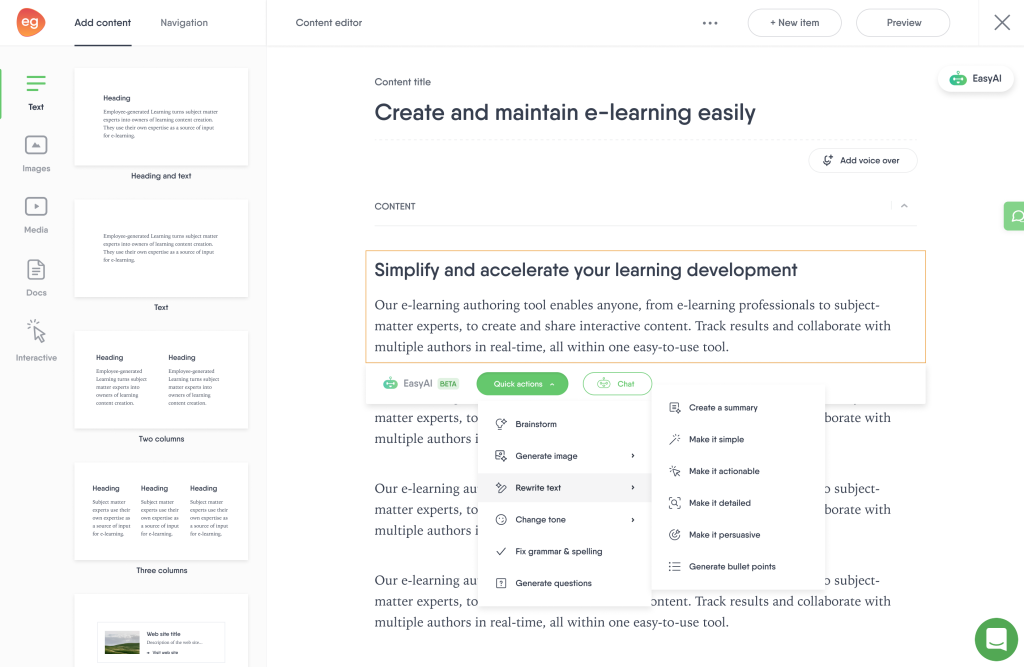
By instantly cleaning up grammar and flow, EasyAI lets Anthony focus on the technical aspects of cybersecurity rather than the wording.
Bringing courses to life with AI-generated illustrations
Cybersecurity can be dense. Anthony uses AI-generated illustrations and text-to-speech voiceovers to keep learners engaged and to break up the monotony of reading.
“I use EasyAI to generate images that align with my course theme instead of searching through image libraries,” says Anthony.
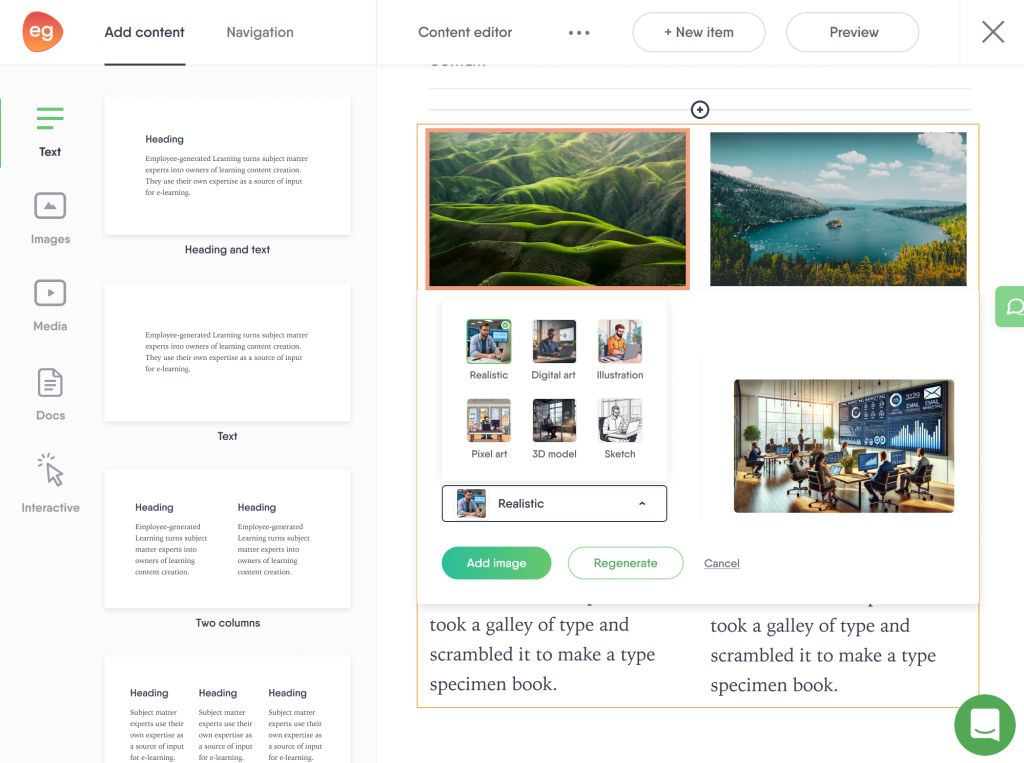
Adding visuals and audio to courses helps employees retain knowledge better. “The courses feel more personal and less like walls of text,” Anthony adds.
To ensure everyone understands the training, Anthony also translates his courses into his main regions’ native languages using Easygenerator’s auto-translation feature.
Melody: saving hours on onboarding training
Melody Ordóñez is a language and communications trainer at a BPO company. When a new trainer joins her department, she’s one of the people who onboards them.
Just over a year ago, her team’s onboarding process was disorganized. New joiners had to read through a lot of documents in different formats and tools. Many people felt overwhelmed.
“During busy times, we don’t have anyone from other departments like HR helping us onboard new trainers,” Melody adds. Sometimes, new hires had to wait until someone’s workload cleared up to receive help.
Melody wanted to make it easier for new trainers. She also wanted to make sure their progress didn’t depend on other team members being available.
That’s when she started creating courses with Easygenerator. This was the first step in creating a self-paced, interactive onboarding experience for new team members.
Converting old files into e-learning fast
Like many trainers, creating courses was time-consuming for Melody at first. Now, she uses Easygenerator’s Course Builder to turn old resources into e-learning in less than five minutes.
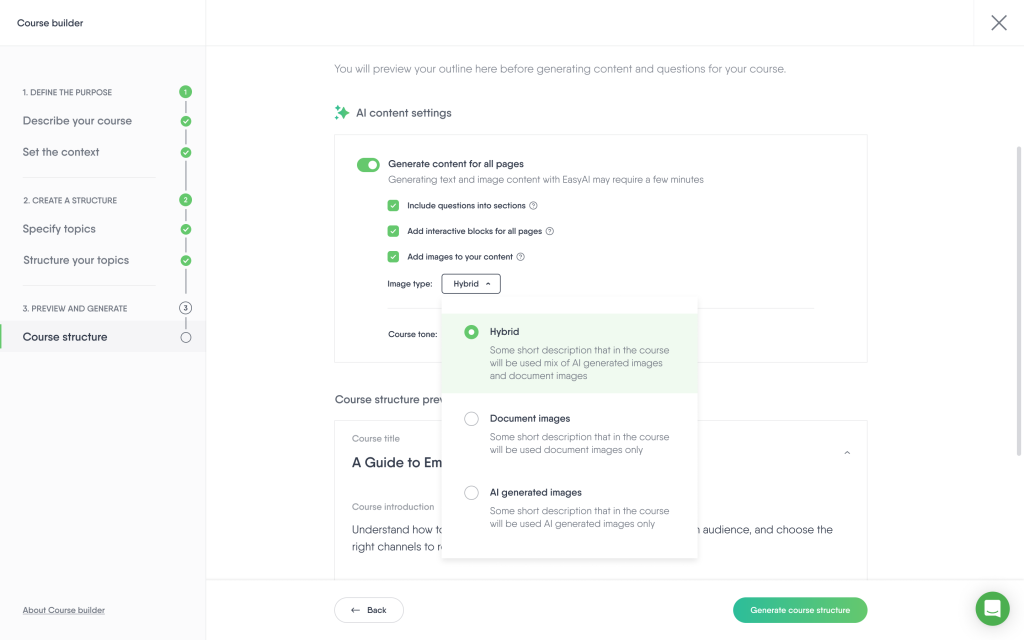
Her department mainly uses Google Workspace files. Melody pastes their links, and Course Builder extracts the content—no uploads necessary. After a few prompts, EasyAI generates a structured, interactive e-learning course.
So far, Melody has turned 10 documents into e-learning using Course Builder.
Boosting knowledge retention with interactive elements
After generating the course, Melody adds extra information if it’s needed. Like Anthony, she also generates illustrations with EasyAI.
Lastly, she enriches her courses with quizzes and interactive elements like flip cards, checklists, and hotspots on images.
“This makes onboarding more interactive and lets learners explore tools step by step. Instead of just reading instructions, they can click, discover, and retain information more effectively,” she says.
By giving new joiners standardized e-learning courses, Melody ensures they get quick access to structured learning and the same great onboarding experience. And with Course Builder, she creates these courses much faster.
Jean Paul: training machine operators with blended learning
Jean Paul Van Der Donk is a technical trainer at Syntegon Packaging Solutions, a company that creates machines for large food companies. His job is to train operators who will ultimately use these machines.
Jean Paul and his team use a 3-step blended learning strategy:
- Learners complete interactive e-learning modules in their own time.
- Trainers verify knowledge and answer follow-up questions in a classroom setting.
- Learners practice hands-on training under supervision.
Creating content easily with EasyAI
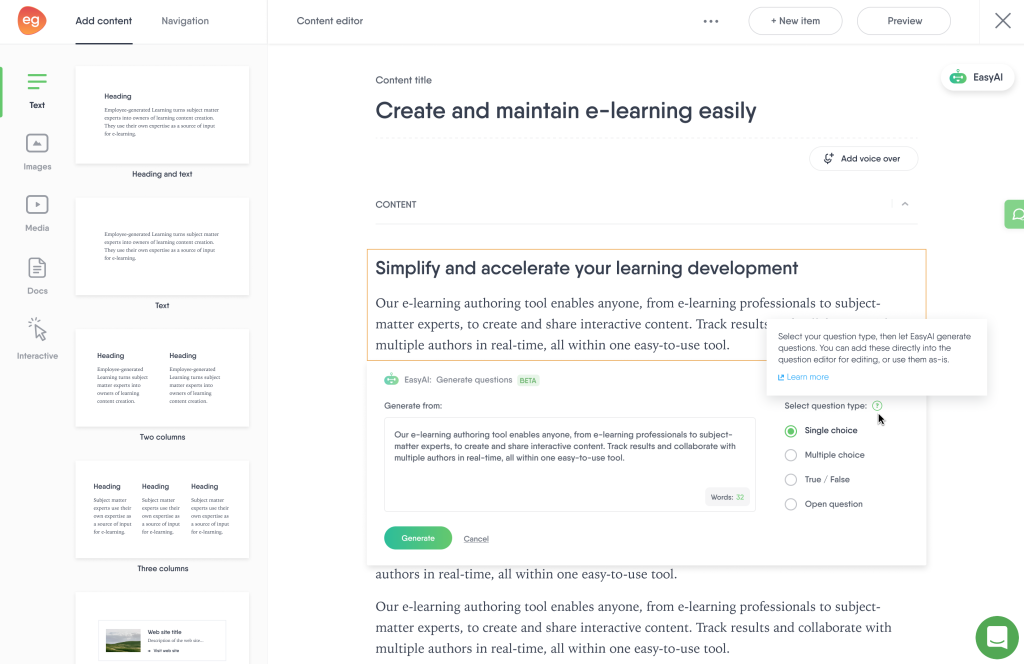
Jean Paul started using EasyAI shortly after its launch. He highlights how EasyAI simplifies and speeds up content creation.
Tapping into AI for inspiration
In addition to summaries and quizzes, Jean Paul uses EasyAI’s brainstorm feature for inspiration.
“We already know a lot with our subject-matter experts, but still, you can use AI to get suggestions. You get a lot of inspiration, which is a main point of AI for me,” says Jean Paul. This added spark of creativity helps his team continuously improve their training materials.
Wrap Up
Anthony, Melody, and Jean Paul show how AI-powered e-learning tools can simplify course creation, improve onboarding, and inspire creativity in training.
With EasyAI’s user-friendly features, anyone can create impactful training—whether the audience is a global network of employees or small, specialized teams.