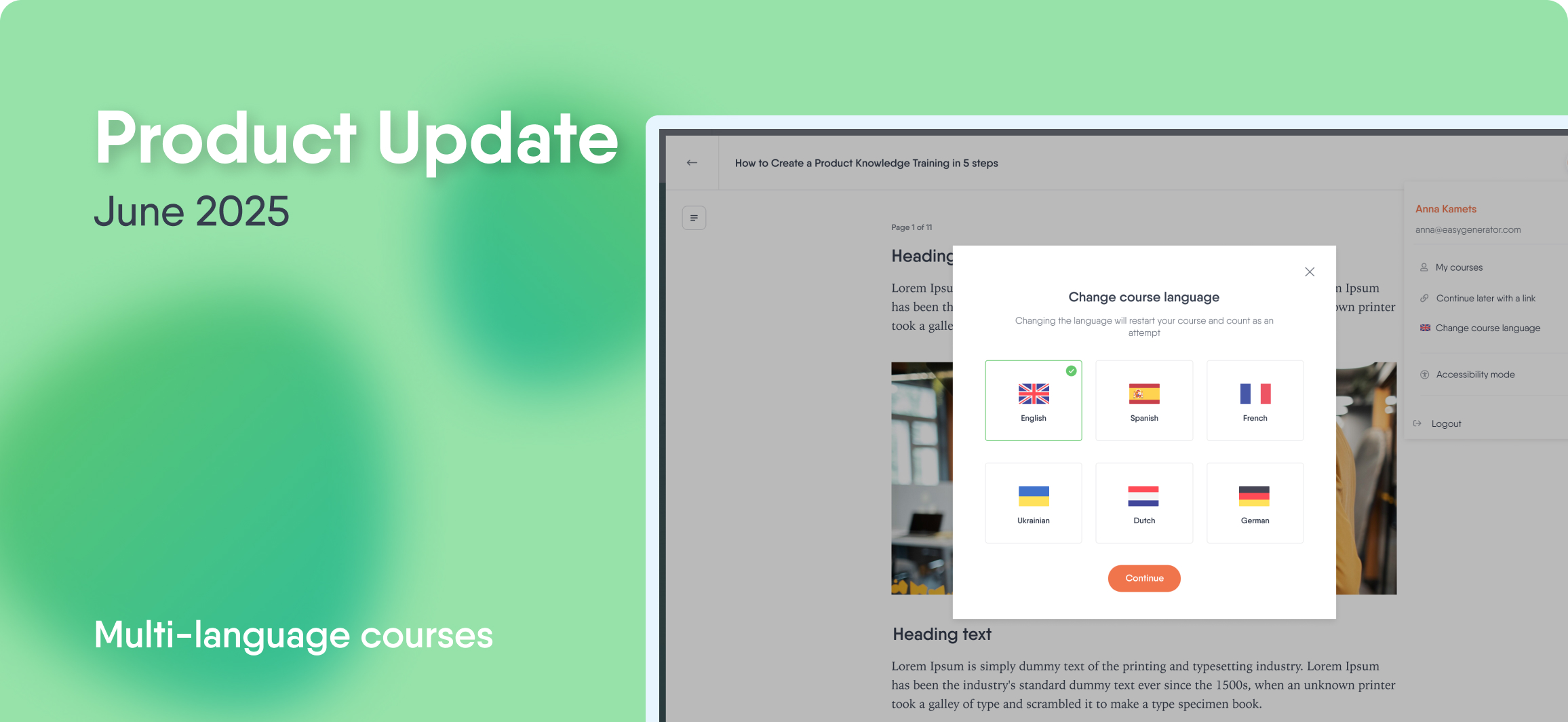
Create multi-language courses for global teams
Don’t get lost in course duplicates
If you have our auto-translation add-on, you can now manage all languages from one source. Our new multi-language course feature lets you export every language version of your course into a single SCORM package. You only need to import it to your learning platform once.
Keep tracking simple
One course = one analytics view. Track learner results by language without splitting data across multiple packages. It’s simpler for authors and smarter for reporting.
Help learners start in the right language
Learners can pick their preferred language before starting the course. If they don’t, the course automatically matches their browser settings and shows the right version.
Multi-language courses are now in Beta, with a full release coming in July 2025.
A new editor built for focus
See your course through the learner’s eyes
Say hello to our new editor. Now, the authoring view matches the learner experience. You don’t have to guess what your course will look like. You’ll see it as you go.
Plus, learner progress and completions now live in the course overview—not inside the editor. That means fewer distractions and a cleaner space to focus on content.
Create faster with fewer clicks
The six most-used content blocks—like text, image, video, and questions—are always on screen. Just click and create.
Choose the layout that fits your content
Switch between a single-page or multi-page layout at any time. Whether you’re building a quick checklist or a full course, you’re in control.
More question variety with EasyAI
Generate fill-in-the-blank questions
Add fill-in-the-blank questions with EasyAI’s quick actions. Learners complete sentences by typing the missing word—great for checking deeper understanding.
Generate text-matching questions
Another new question type: text-matching. Learners connect pairs from two lists—use this for reinforcing relationships between concepts, terms, or definitions.
Build more accurate, context-driven courses
We’ve made two updates to help you create content that’s more faithful to your source material—visually and structurally.
Improved image generation
You’ll now get visuals that better match your descriptions—so your images resonate more with your learning content.
Keep your docs’ content and structure same
When uploading PDFs, PowerPoints, or Word documents, Course Builder will now retain the original content and structure—if you choose to. This lets you repurpose materials faster, with less manual copy-pasting.