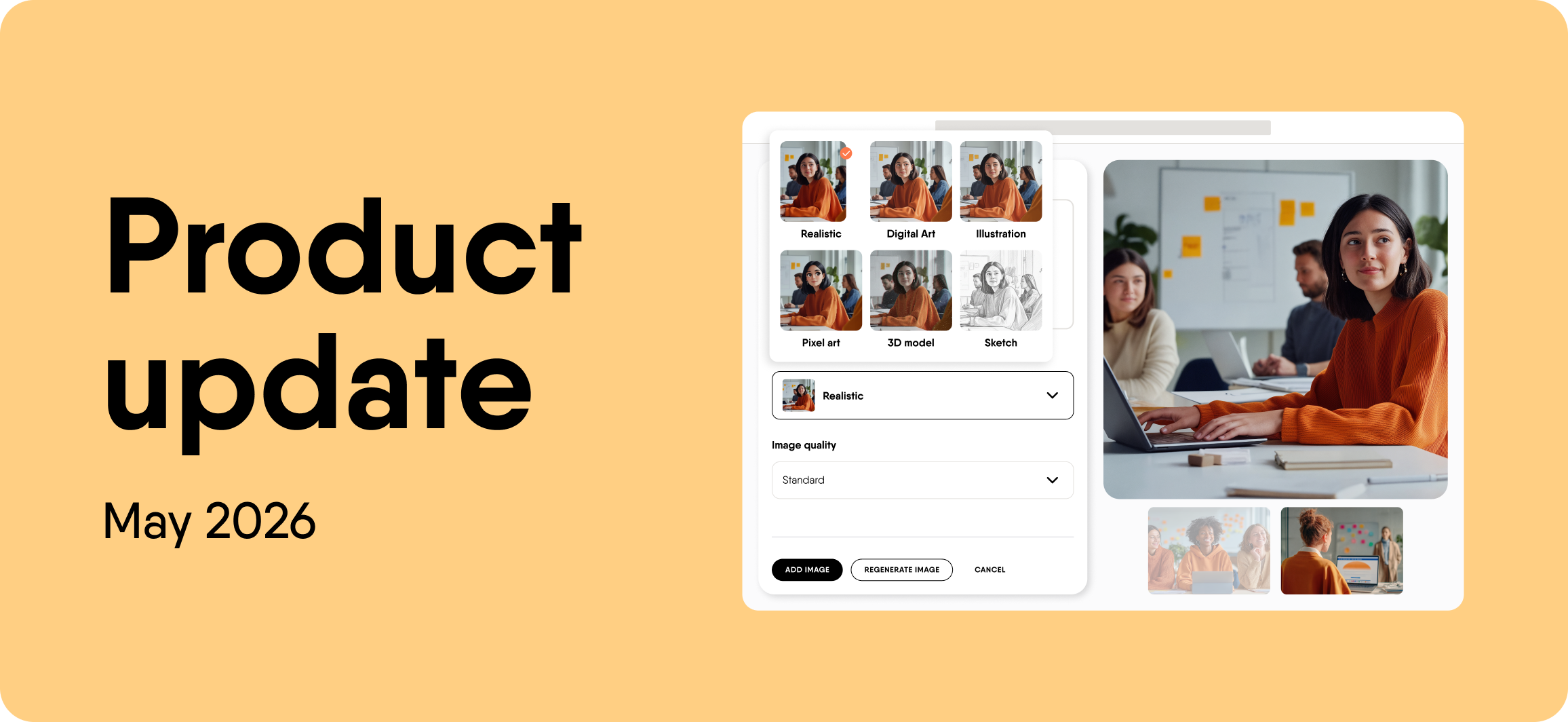
Edit images without starting over
Generating a visual and then realising one detail is wrong used to mean scrapping the whole thing and regenerating from scratch. That changes now. Image editing in EasyAI lets you target specific parts of an image and adjust them directly, without touching the rest. You can compare the original and edited versions side by side before adding anything to your course.
Save and publish AI roleplays safely
Roleplays now have a proper draft and publish workflow. Every change you make starts as a draft. Nothing goes live until you hit Publish, so edits to an active roleplay never affect learners mid-session.
A dedicated Drafts tab keeps work in progress easy to find and manage. Deleting a draft does not touch the published version. For teams with content review or governance processes, this is the workflow that was missing.
Version control (Enterprise plans only)
Authors can now save up to 20 named versions of any course and restore any of them at any time. You can delete a saved version, or duplicate it as a separate course if you want to review the content before restoring it.
Version control is available for Enterprise customers in beta.
More updates
Password-protect courses shared by link
Courses shared via link can now be password-protected. Learners enter a password to get access. No account, no login, no admin overhead. You decide who gets in.
Generate up to 10 questions at once
Question generation in EasyAI now produces up to 10 questions in a single run, up from 2. You can generate them from a text prompt or upload a document and pull questions directly from its content. Starting from scratch or migrating existing material, a full question set now takes seconds.
Deactivate a course link in one click
One toggle deactivates a course link instantly. Flip it back on at any time. It is built for ending a cohort, retiring outdated content, or catching an accidental share before it reaches the wrong audience.
Coming soon: PowerPoint to video (V2)
EasyVideo’s next update turns a PowerPoint file into a publish-ready video learning asset automatically. Upload your deck and EasyVideo parses the slide content and speaker notes, writes a video script per scene, and selects avatars and voiceovers. This update arrives in EasyVideo in early June 2026.
Want to get started with EasyVideo now? Watch the how-to video playlist for a walkthrough of what it can do.