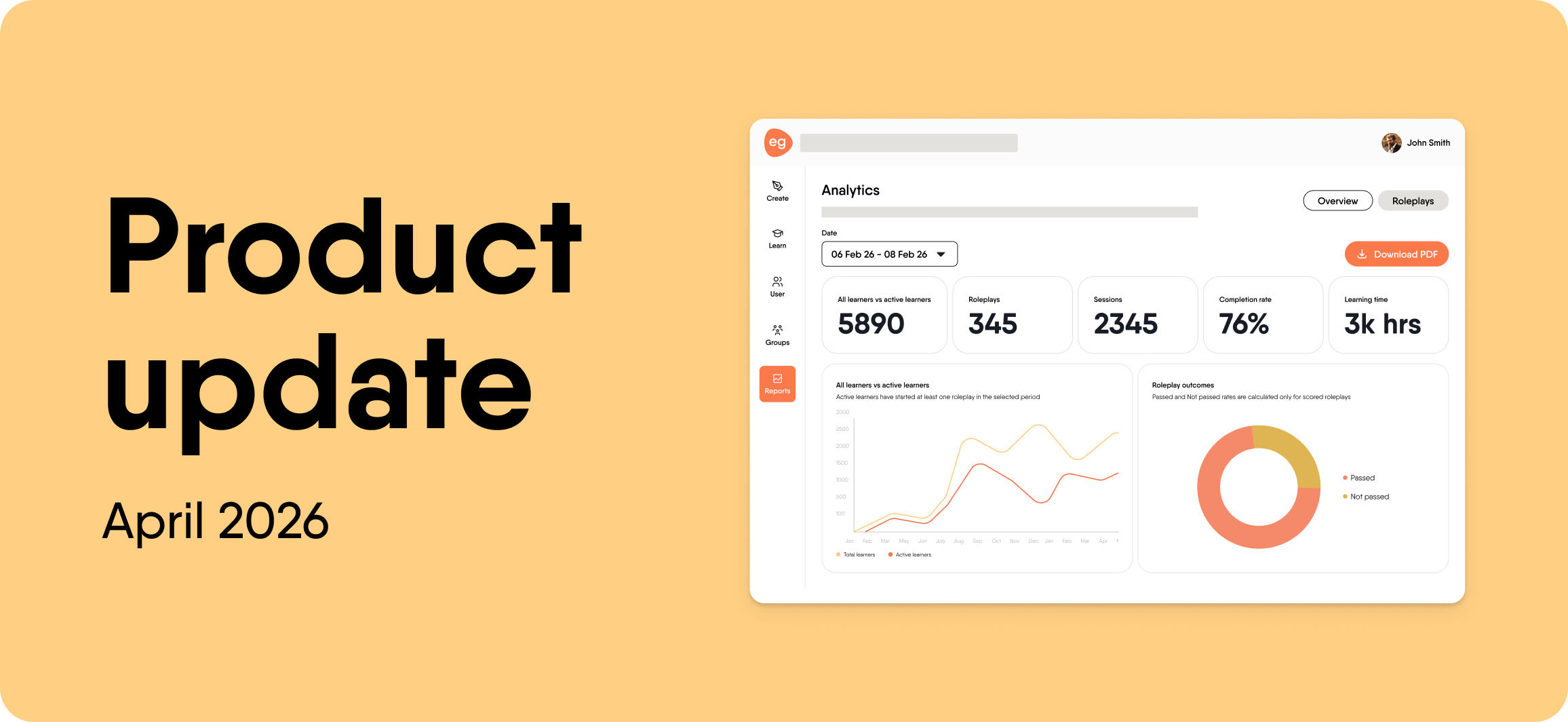
We have a busy April update to share. This month, we focused on giving authors more control over how they build and manage content, and on giving org admins a clearer picture of how learners are actually doing.
Here’s what’s new.
See learner progress in EasyCoach
Analytics is now live for all org admins in EasyCoach. Previously called “Reporting”, Analytics goes beyond tracking whether learners completed a session. You can now see whether they are actually improving over time.
This is the first step toward connecting skill development to business outcomes.
Generate questions from a prompt
Authors can now create knowledge check questions directly from a prompt, without needing any existing course content to start from. You can generate up to 2 questions per prompt, request different question types, attach files to draw questions from, and use microphone dictation to describe what you need.
You can then add questions to your course in one click.
New scene templates give you a starting point in EasyVideo
EasyVideo now includes a scene template library covering the most common learning flows, including intro, explanation, summary, and outro scenes. Each template has instructional design best practices built in, and all templates are automatically pre-loaded with your organization’s branding.
More updates this month
EasyCoach UI refresh
The EasyCoach dashboard has a cleaner layout, with AI role, session duration, and session count shown upfront. The creation flow now leads with templates, mic controls work more smoothly during roleplay sessions, and the learner tab includes progress insights.
Text-to-speech pauses and voice memory
Authors can now insert natural pauses into text-to-speech narration for more polished audio. It also remembers the last voice you used, so you do not have to reselect it every session.
Image blur in content blocks
You can now blur specific regions of any image directly in the editor, without needing an external design tool. The blur is applied non-destructively, so the original image stays intact. This is useful for redacting sensitive information and staying GDPR-compliant.