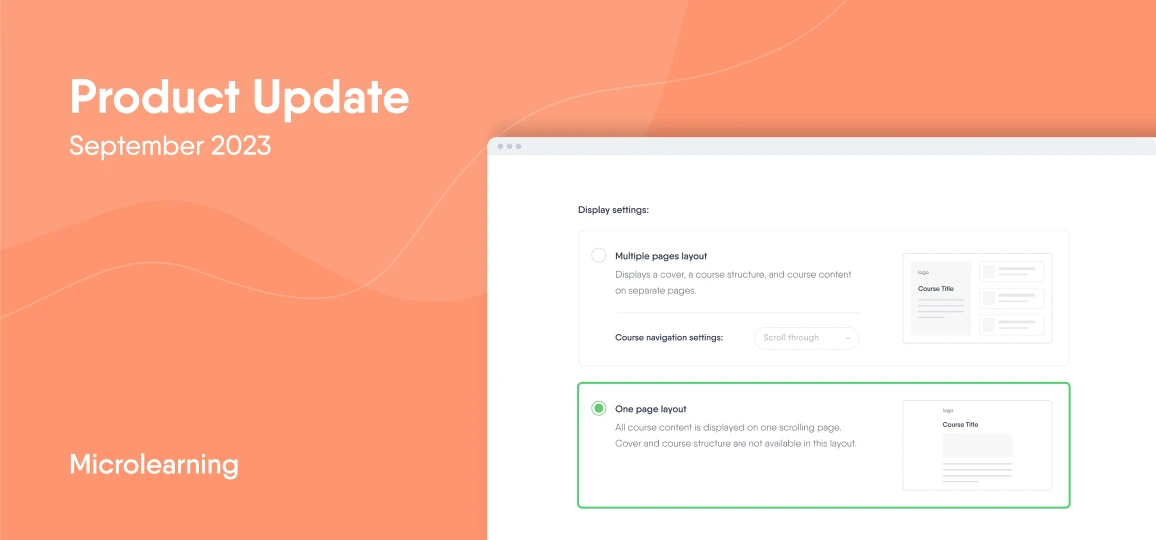
What’s new?
-
Create microlearning content
-
Converse with AskAI and generate content blocks
-
Generate and integrate questions with EasyAI
-
Additional technical upgrades
Create focused microlearning
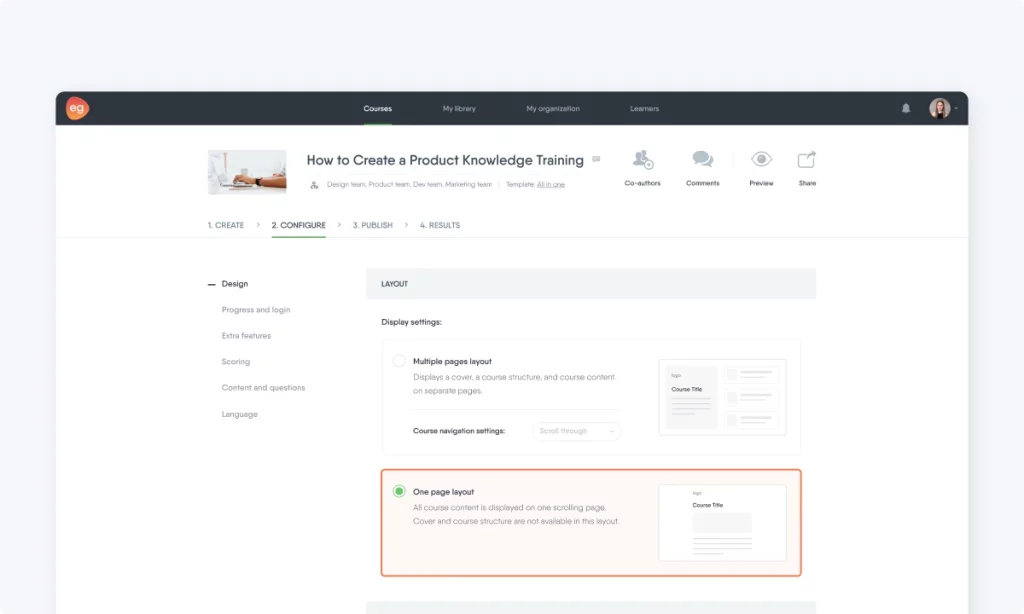
In July, we announced the feature allowing courses to be composed entirely of pages. Building on that update, we’re now excited to introduce the capability to craft one-pagers—true microlearning experiences. Say goodbye to cover pages and navigation bars. Say hello to focused, bite-sized content.
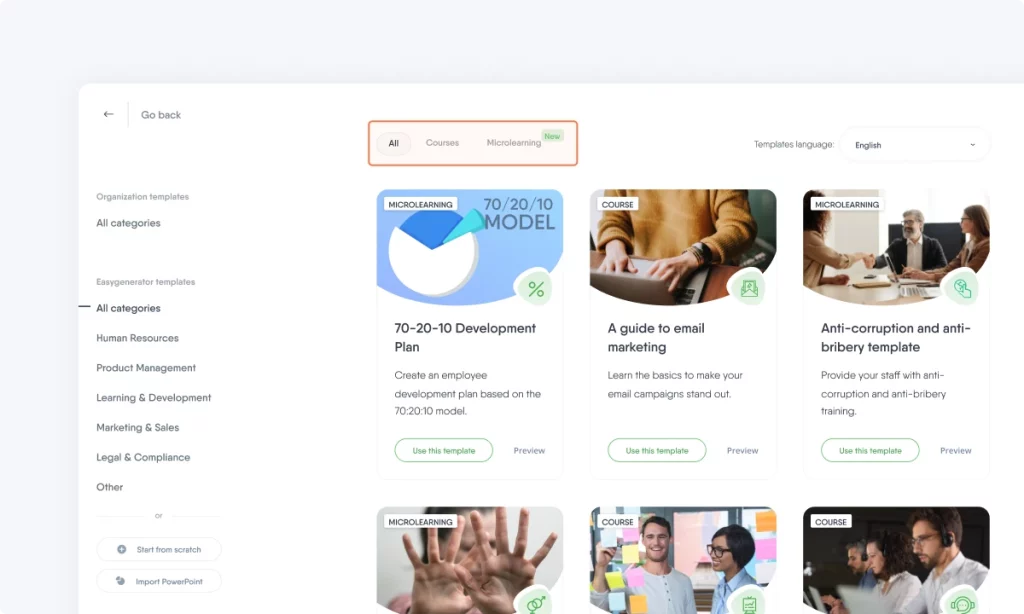
To jumpstart your microlearning journey, we’re introducing 113 new microlearning templates, available in English, Dutch, French, German, Italian, Portuguese, and Spanish. From now on, you can distinguish between course and microlearning templates by the tags located at the top left corner of their covers (see below).
Meet your new AI-powered assistant
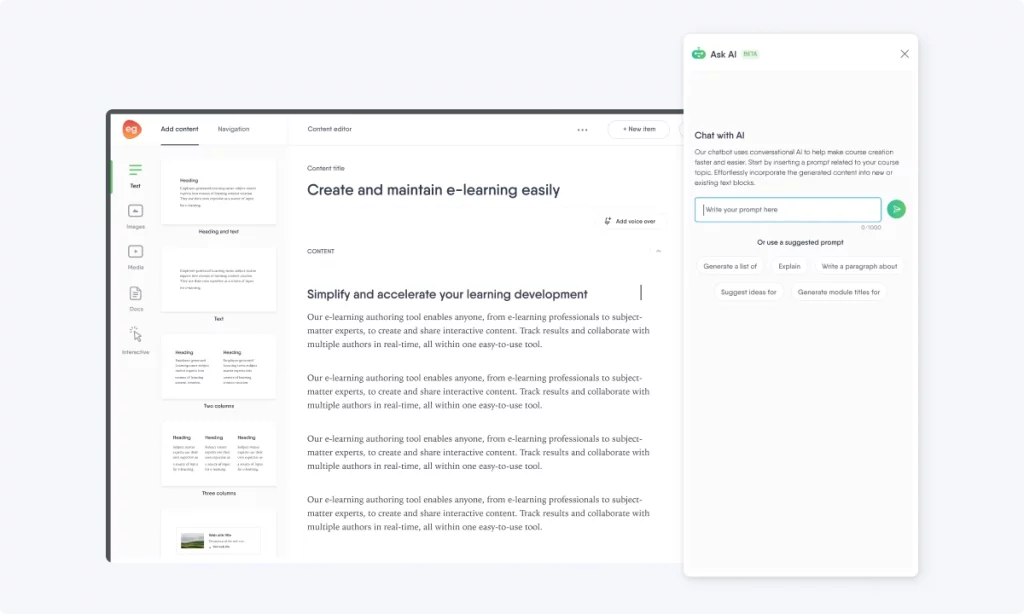
Need help while crafting your course? AskAI is here to help, offering real-time responses so you don’t have to leave the Easygenerator platform. It responds to a diverse range of prompts to assist in every phase of content creation. The cherry on top? The answers can be instantly converted into content blocks.
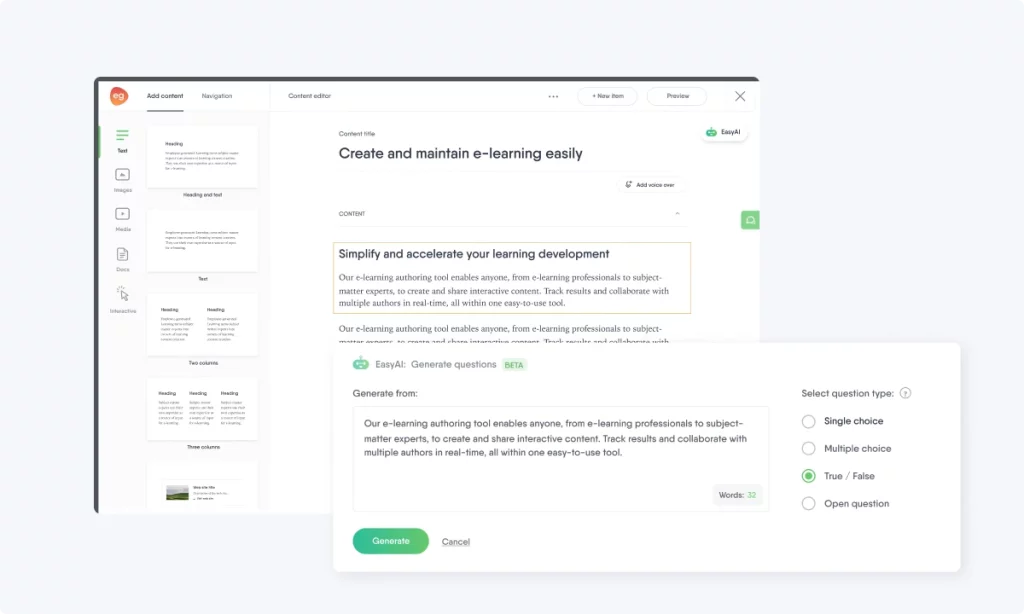
Generate and automatically integrate questions
We’ve made an important improvement to EasyAI! You can generate questions directly from your course material; and onceyou’ve generated and chosenyour ideal question, EasyAIwill automatically create a dedicated question page and integrate it into your course. Plus, the feature is powered by GPT-4, so expect better outcomes and a streamlined creation process.
Additional technical updates
-
Design Navigation: We’ve streamlined your design process. Instead of a separate ‘Design’ step, you’ll now find all design options conveniently located under the ‘Configure’ tab.
-
Course List: When you’re browsing your courses, you’ll now see the names and profile pictures of co-authors directly on the course card.
-
New Language: We’ve added Hindi as a supported language for learners.
-
Video Thumbnails: You can now customize the thumbnail of any video you integrate into your course. Just access the video from the library and update its thumbnail. Your changes will reflect wherever the video is used, be it in courses or the library.
-
Authoring Guide: For your convenience, the Easygenerator Authoring Guide will now be the first template you see on the template page. Whether you’re new or an experienced user, this guide will offer valuable insights into the core functionalities of Easygenerator.
What’s next?
We’re working hard to add new features to make it even easier for your organization to share knowledge. Check out our previous updates and stay tuned so you don’t miss out on exciting features and improvements.