What’s new?
- Feature alert: EasyAI’s Quick actions
- Easygenerator-MyCademy integration
- Improved text block in Hotspot on image feature
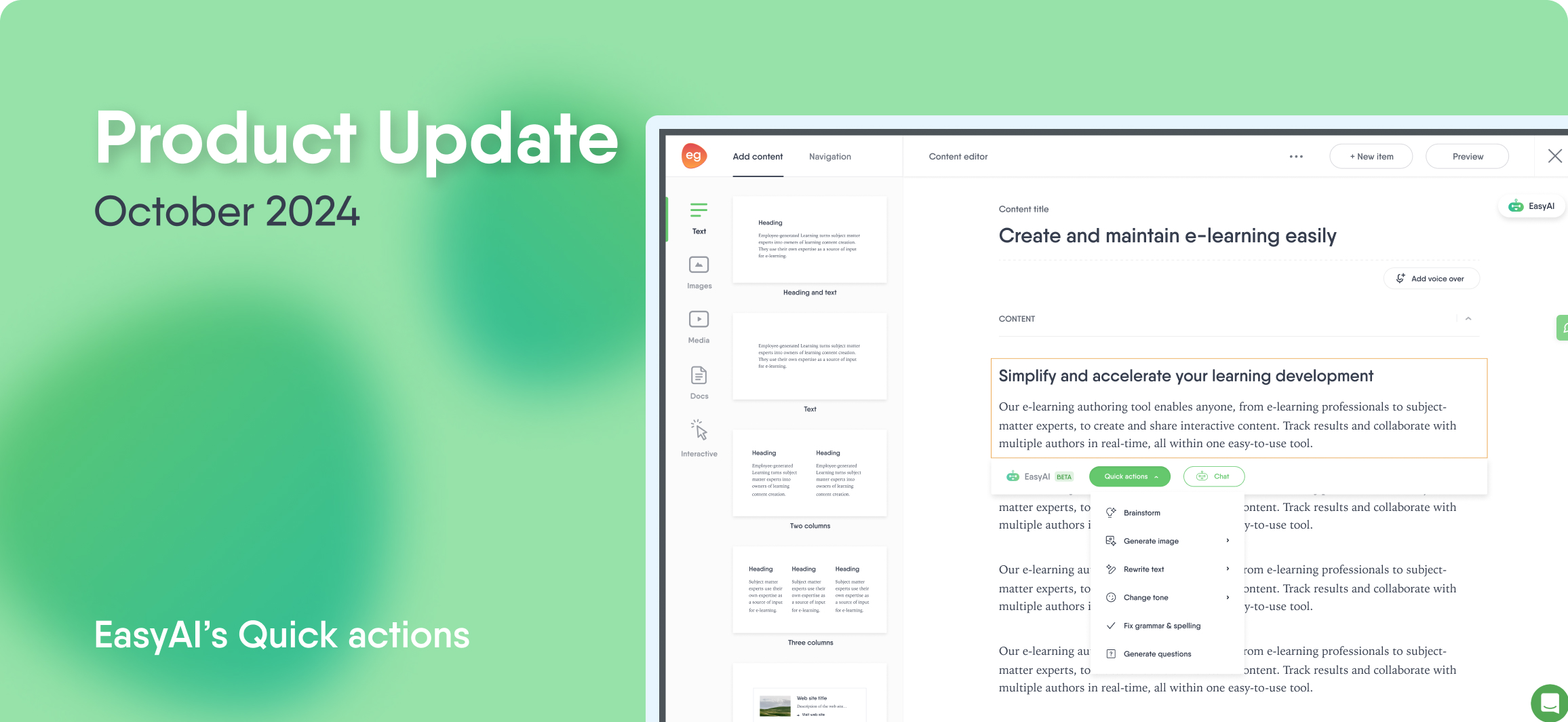
EasyAI’s Quick actions menu for enhanced course content
We’ve enhanced EasyAI’s new Quick actions menu, making it easier than ever to refine your course content. With options to rewrite text, adjust tone, and correct grammar and spelling, you can now create an even more polished and engaging learning experience with ease.

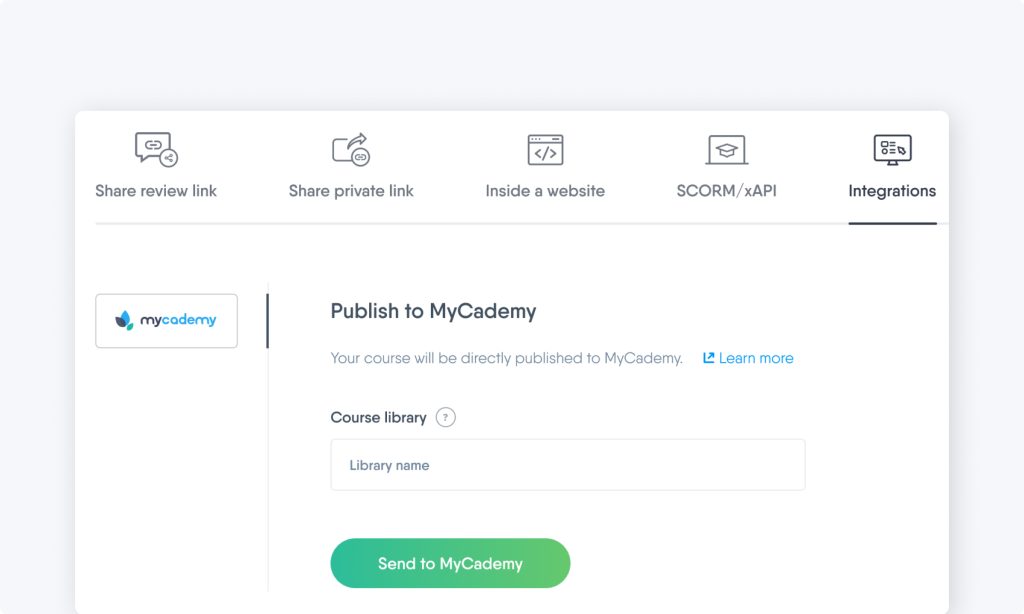
Easygenerator integrates with MyCademy
Good news for MyCademy LMS users! You can now publish your Easygenerator courses to MyCademy with a single click, eliminating extra steps and streamlining your workflow.
Improved Hotspot on image with text formatting options
We understand that creating engaging content is key to your learners’ success, which is why we’re excited to announce that we’ve enhanced the text block in our Hotspot on image interactive feature, giving you more control over text formatting.
Make your content stand out with options to bold, italicize, underline, adjust color, change font sizes, and insert links—all with improved alignment adjustments.
What else?
In addition to these major updates, we’ve implemented a few more improvements:
- We’ve added an option to select the course language directly in Course Builder to better customize content for your learners.
- To improve accessibility, the Doc-to-course settings menu will automatically expand, ensuring authors can easily find options like Add AI knowledge and Keep document structure.
What’s next?
We’re working hard to add new features to make it even easier for your organization to share knowledge. Check out our previous updates and stay tuned so you don’t miss out on exciting features and improvements.