What’s new?
✔️ Accelerate your content creation with EasyAI (coming soon)
✔️ New sliders for trimming video
✔️ Show correct answers to learners
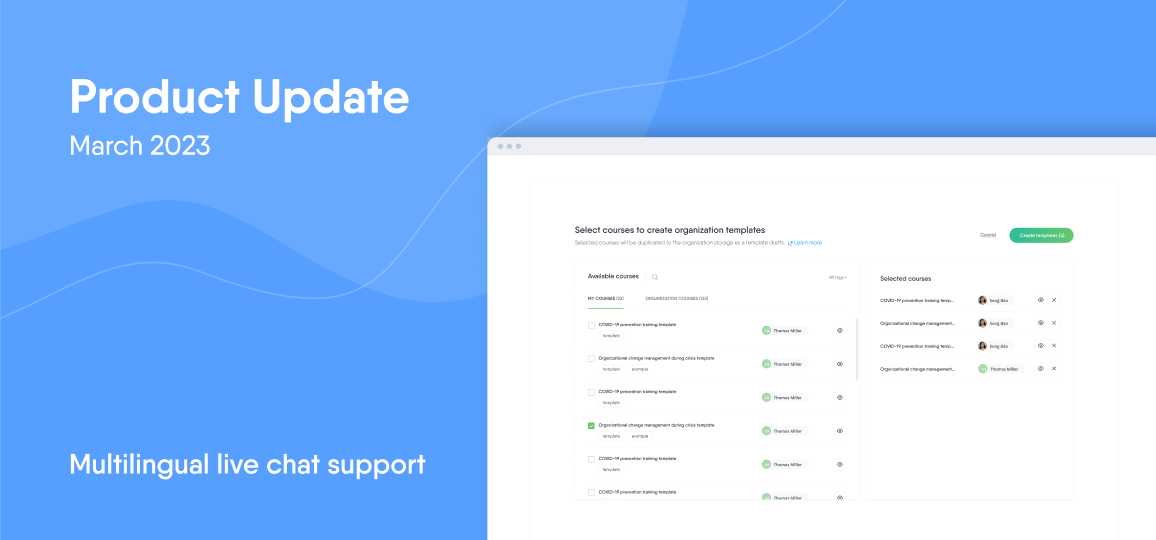
✔️ Create Organization templates
✔️ New download option for courses
COMING SOON: EasyAI
Our new AI widget will make it even easier to create engaging e-learning. EasyAI can help improve your course’s readability, offer formatting suggestions, and generate summaries and questions based on your content. Sign up for the waitlist so you don’t miss out!
Create your own Organization templates
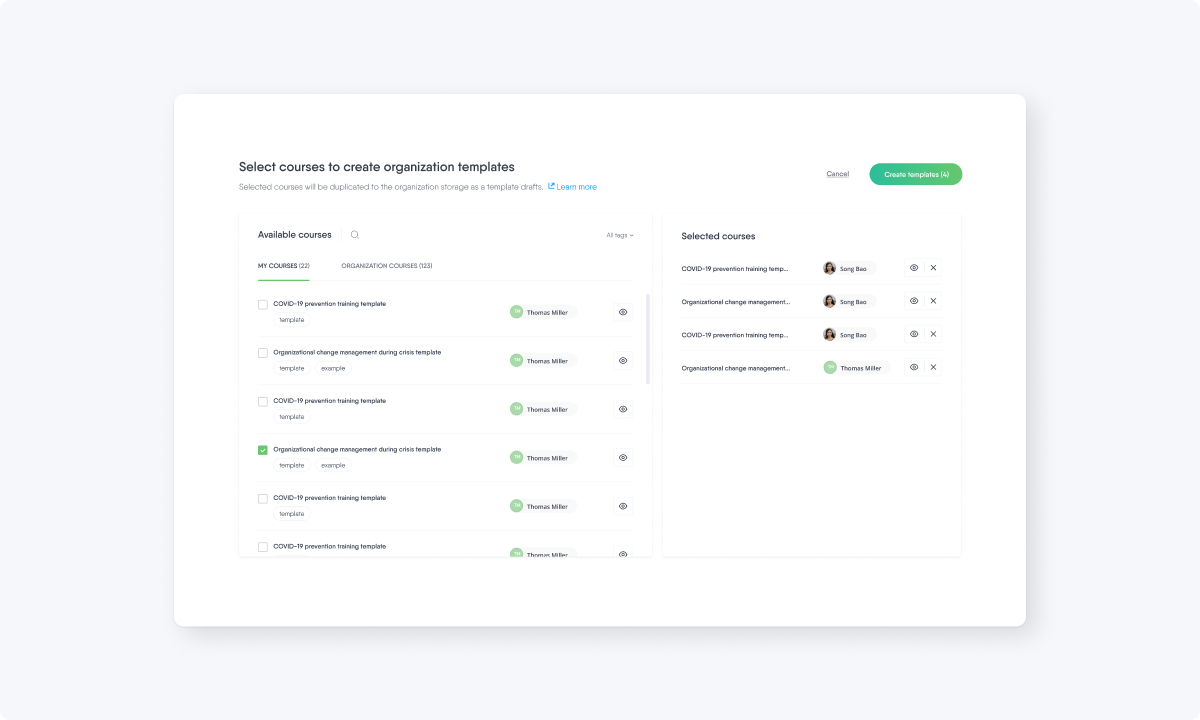
You asked, we delivered. Easygenerator authors already have access to +50 course templates from our library. Now, Organization admins and owners can create their own course templates to share internally with their teams. This means your authors can start creating new e-learning content from templates that are 100% customized to your company’s needs.
Additional technical upgrades
This month, our team also worked on a variety of technical upgrades within our tool to improve your e-learning content creation experience:
- New image resizing and cropping options: Image editing options have been expanded so authors can now resize and crop images in the drag-and-drop question as well as the link curation and audio blocks.
- Showing correct answers: Authors can now allow learners to see the correct answer(s) to a question. This setting must be enabled by course authors and can be customized by selecting the number of attempts.
- Sliders for trimming video: Video recording and editing is even easier now with sliders for authors to trim the start and end point of their videos.
- New course download option: Authors now have the option to download their course as an xAPI package (in addition to the existing SCORM 1.2 and 2004 packages).
What’s next?
Want to know what’s next? We’re working hard to add new features to make it even easier for your organization to share knowledge.
Check our previous updates so you don’t miss out on exciting features and improvements.