What’s new?
- Generate audio from text in 31 languages
- Enhanced visibility of course authors
- Live generations from EasyAI
Transform text into high-quality audio
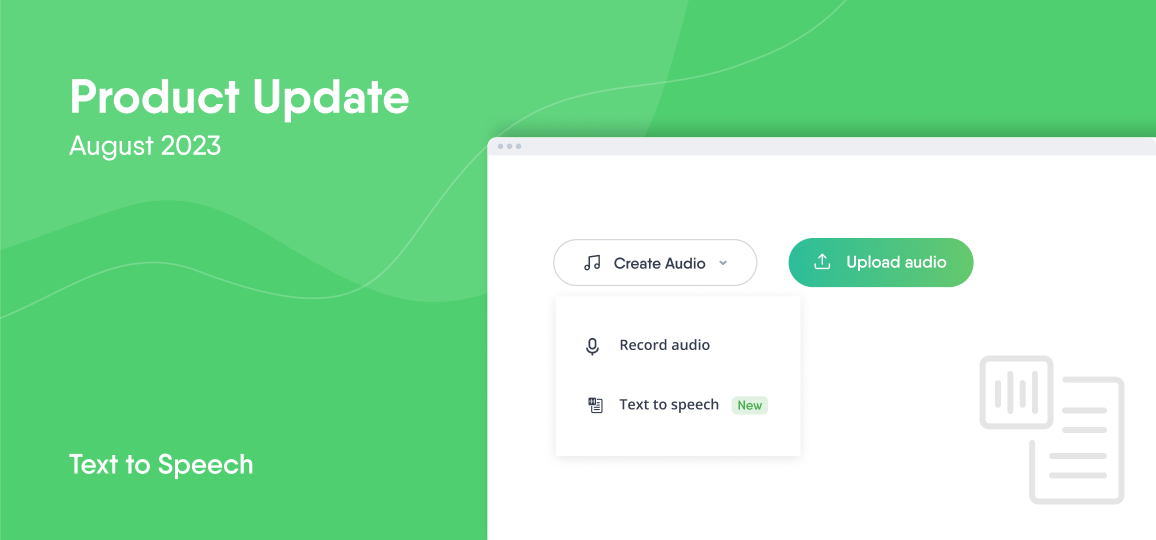
Our new feature, Text to Speech, takes the limelight this month. Course authors can now produce speechlike audio in only a few clicks! No more recording your own voice, and—most importantly—no more re-recording when you’ve made a mistake. (Or, when you simply didn’t like what you sounded like.)
Text to Speech is available in 31 languages, and you can choose from 55 diverse voices. Now, all your courses can incorporate consistent, high-quality audio. For auditory learners, having courses paired with voiceover explanations has a significant impact on knowledge retention, so make sure to try it out.
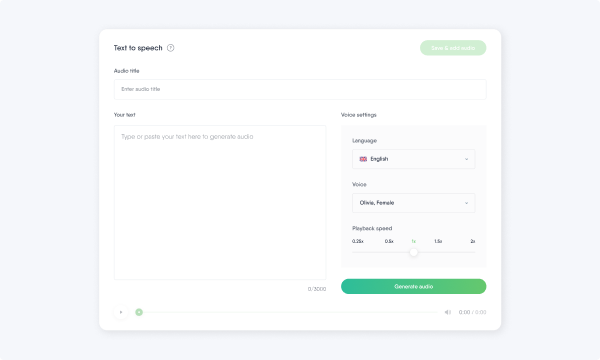
Just select your text, navigate to the ‘Add voiceover’ option, and select ‘Text to speech.’ Choose your preferred language, voice, and playback speed. Lastly, click ‘Generate’ to preview the audio; save the result if you like what you hear.
Since we released this feature a couple of weeks ago, we’ve also recently added the option to edit the text after the audio has been generated.
Author names and pictures now displayed in the course list
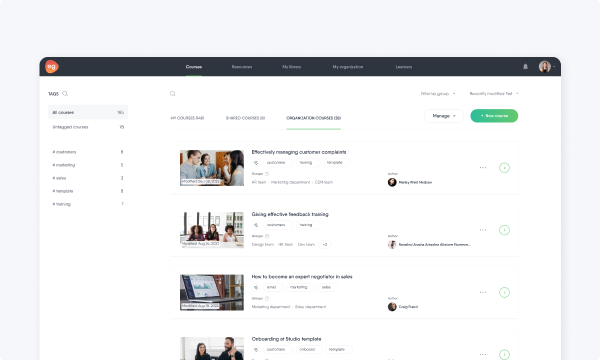
With our latest product update, the courses in your organization’s course list will now display the author’s name and picture, including those with multiple co-authors.
Why this change? While the act of knowledge sharing is inherently valuable, we wanted to shine a little spotlight on course authors. Recognition is important!
See EasyAI responses as they’re generated
So far, EasyAI had been sharing its answers once they were fully complete. Now, you’ll see EasyAI’s response as it’s written, sentence by sentence. We hope that this shorter wait will benefit our user experience.
What’s next?
We’re working hard to add new features to make it even easier for your organization to share knowledge. Check out our previous updates and stay tuned so you don’t miss out on exciting features and improvements.