


Quickly create interactive SCORM files at scale with AI-powered authoring
Enable anyone in your organization to create engaging SCORM files with ease—no technical or didactic skills needed.
Enable anyone in your organization to create engaging SCORM files with ease—no technical or didactic skills needed.
Static formats like PPTs are not designed for training—and they often fail to create meaningful learning experiences.
Easygenerator helps you turn your PPT, PDF, and Word training content into interactive e-learning in minutes with AI.
Manual course creation is time consuming and stretches resources thin.
Let AI handle the heavy lifting and create engaging didactic courses—up to 9x faster.
Most authoring tools restrict your publishing options, limiting how and where you deliver training.
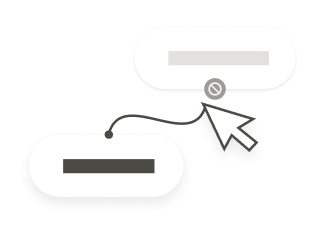
Easygenerator offers simple publishing options that fit your learning ecosystem and connect to your preferred learning platform.
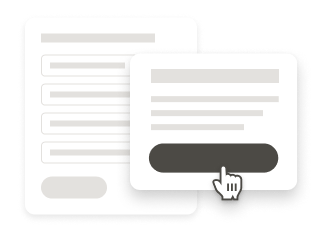
Lack of data makes it difficult to track completions, measure training effectiveness, or ensure compliance.
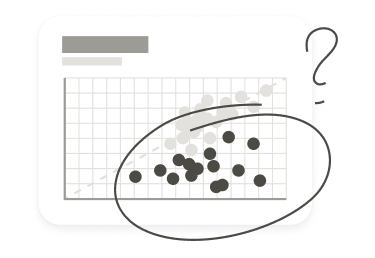
With Easygenerator, you can track completion, engagement, and progress with built-in analytics, so you can improve training based on real results.

Some tools restrict you to one publishing path. We offer a full range of delivery options. Choose what works for your learning platform and your workflows.
Publish your courses directly to leading learning platforms—like Cornerstone and LearnUpon—with our native integrations.
Upload dynamic SCORM once, sync all future course updates instantly.
Using a custom-built or in-house LMS? Manual SCORM offers you maximum compatibility and long-term stability.
We also support xAPI, PDF export, private URLs, and more—so you can reach learners wherever they are.
 Convert existing files to SCORM
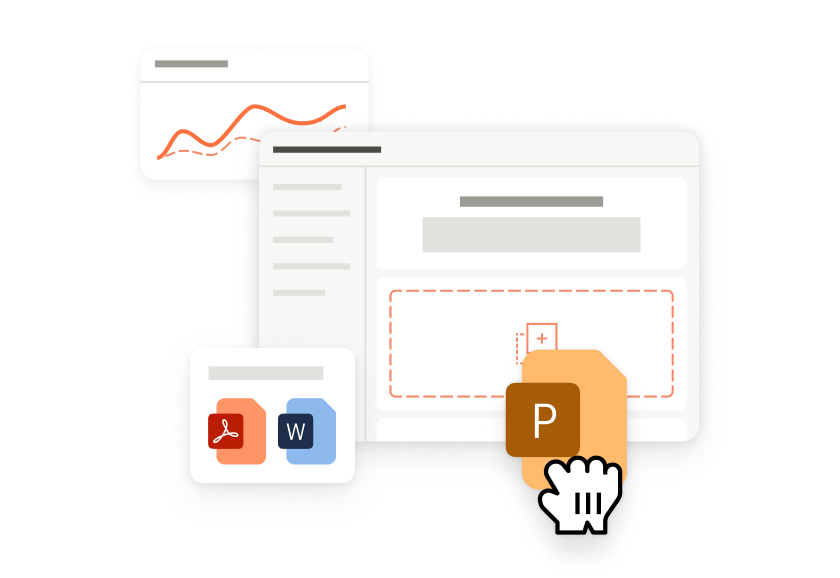
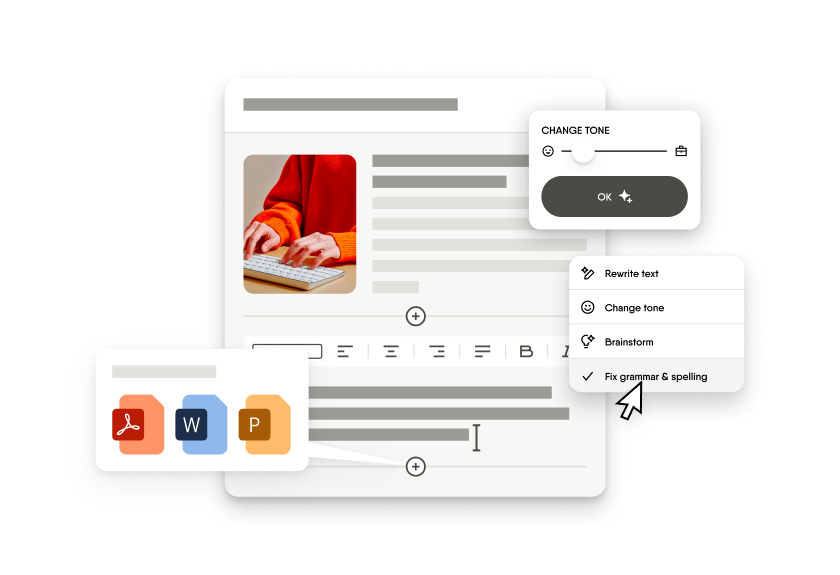
Turn your Word, PDF, or PPT files into SCORM-compliant courses with AI. Add structure, interactivity, and quizzes in minutes.
 Improve courses with AI
 Edit with an intuitive course editor
 Track learner progress


Build one master course, and all translated versions follow it. Change the master course, they all change. No more wondering if your latest content update is live in all languages.

Export one SCORM or xAPI file that works in any language. Upload it once to your LMS, and learners automatically see the course in their preferred language.

Set how your brand terms and technical language should translate once. EasyTranslate applies them every time, so your team spends less time reviewing content.

Sign up to unlock Enterprise-level features—no credit card needed.
Let AI help you turn static content into interactive SCORM-compliant courses.
Export your courses as manual or dynamic SCORM packages.
“Easygenerator saved my trainings!”
Leni Virginia Celene R. | Instructional Designer

“Perfect web-based learning tool”
Verified User in Automotive

“Great course builder!”
Paul L. | Head of Learning & Development
“Simple and clearly structured. Intuitive operation with many design options”
Verified User in Higher Education
Create your course, go to ‘Publish’, and select ‘Download as SCORM’. Choose SCORM 1.2 or SCORM 2004, and your file is ready to upload to your LMS.
Yes, if your LMS supports SCORM 1.2 or SCORM 2004. Easygenerator works with over 99% of SCORM-compatible LMSs. You can also use Easygenerator as your authoring tool, LMS, and Learning Record Store (LRS) to track results directly in the platform.
Easygenerator is built to make e-learning creation simple. Drag and drop content, add quizzes, collect in-app feedback from your colleagues, and share certificates with learners. And if you need help, our Customer Support team is always available through chat, phone, or email.
Yes. You can use pre-made templates on topics like remote productivity, online meetings, or compliance. Adapt them by changing images, adding videos, or editing questions to fit your company needs.
Yes. With EasyAI, you can turn your Word, PDF, or PowerPoint files into interactive SCORM courses in minutes. AI also helps you structure content, generate quizzes, and align training with learner goals.