What’s new?
- Introducing AI image generation
- Easygenerator-Rise Up integration
- Adding tables to your courses just got easier
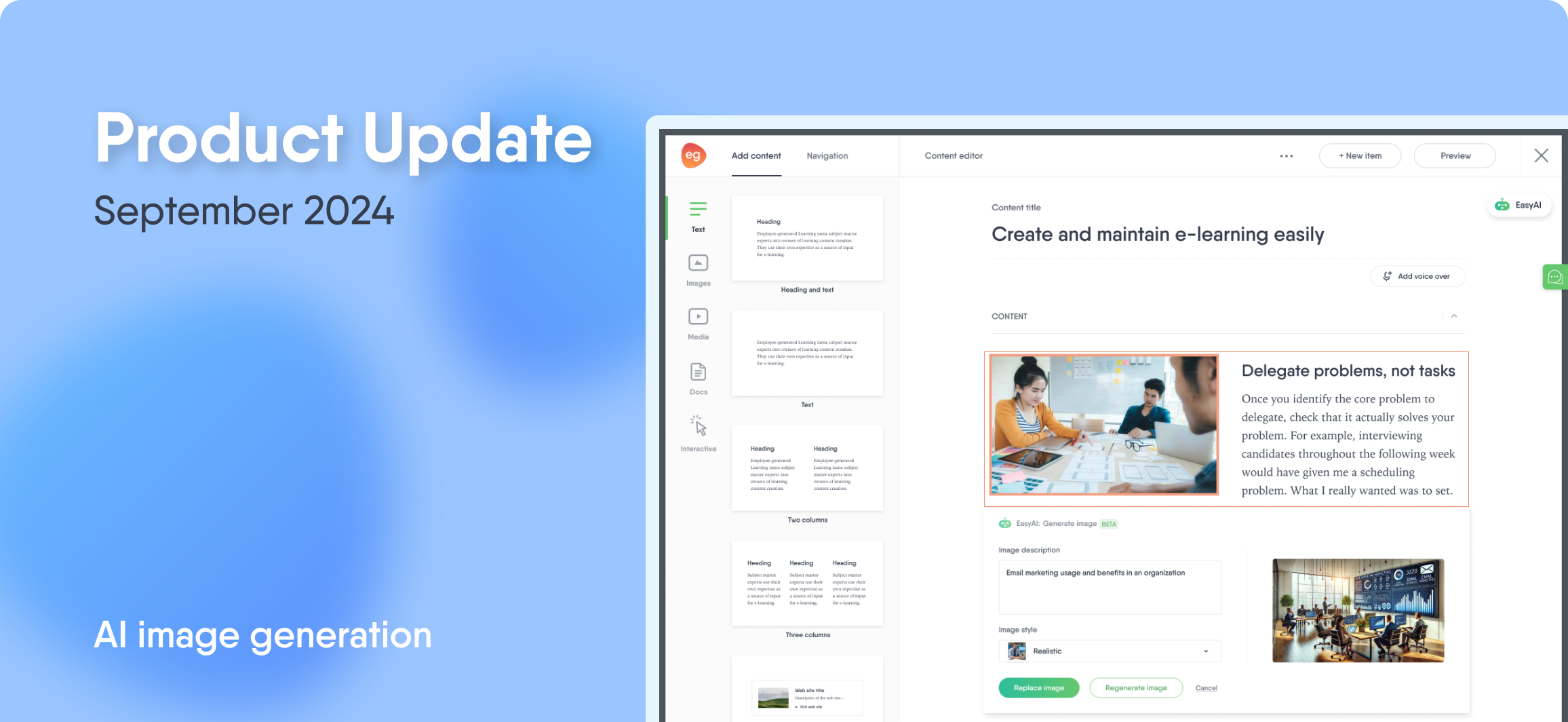
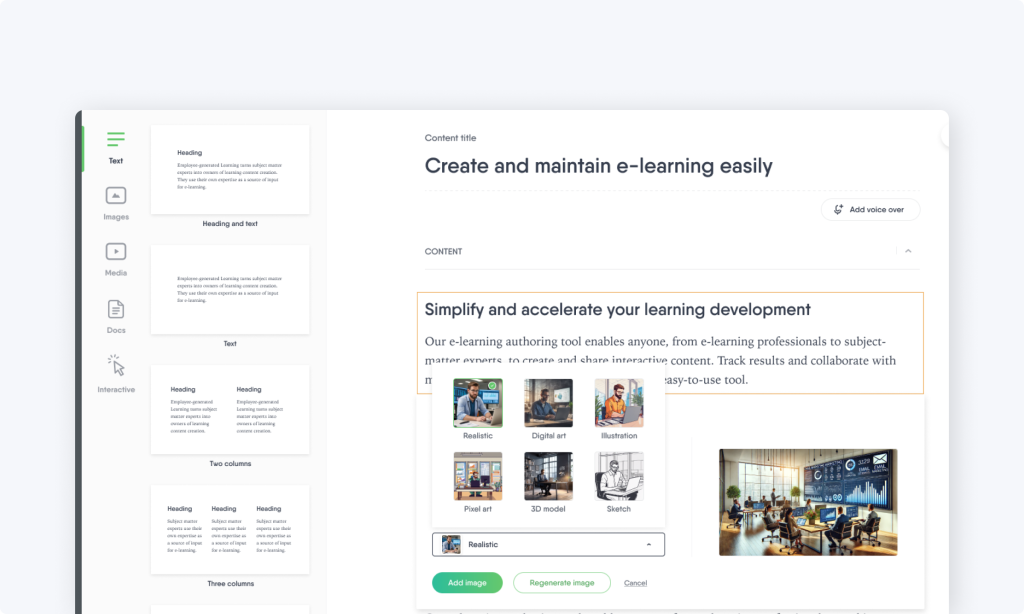
Introducing: Generate image—powered by EasyAI
Is searching for the right images slowing down your course creation process? Not anymore!
You can now generate unique images using AI in various styles to enhance your course content. Simply go to the Content editor and find the Generate image option within the Quick actions drop-down, or access it directly through an image block.
Whether you prefer to generate images from a custom description or directly from a content block, EasyAI has you covered.
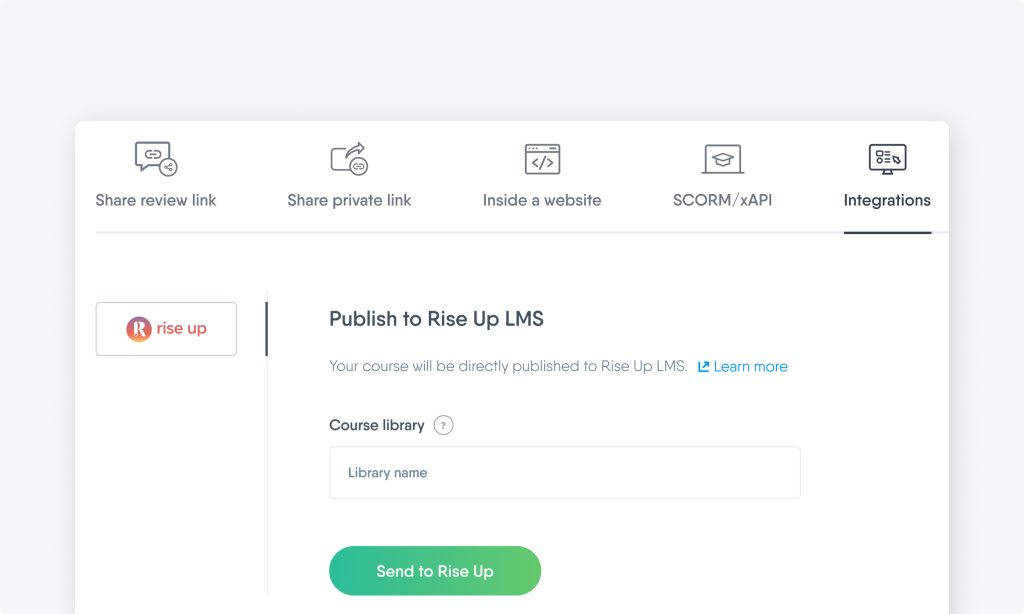
Easygenerator integrates with Rise Up LMS
We partnered with Rise Up, Europe’s leading integrated learning solution with more than 5 million active learners globally.This new integration allows Easygenerator users to publish and update e-learning courses directly to Rise Up, eliminating the need to download and import course packages manually.
Adding tables to your courses just got easier
To make course creation simpler and more efficient, we’ve added a new content block called Table.
You can now easily insert tables into your courses by dragging and dropping the Table content block into the editor from the Content page > Text categories, or by simply double-clicking on it.
Addcourse duration to all integration options
We’ve made it easier for authors to provide all important course details by allowing them to include the course duration in all integration options.
Along with the course title, description, thumbnail, language, and author email, the duration will also be sent to the LMS/LXP, ensuring learners can access complete course information easily.
What’s next?
We’re working hard to add new features to make it even easier for your organization to share knowledge. Check out our previous updates and stay tuned so you don’t miss out on exciting features and improvements.