


Trusted by 75,000+ authors in 2,000+ companies
Say goodbye to complex video creation
Traditional video tools slow you down. EasyVideo makes it easy for anyone to create training videos from start to finish.
Traditional training video creation
- Valuable knowledge and decks stay locked away
- High costs for video production and external translation
- Requires editing expertise and long production times
- Re-recording needed for every update
Training videos with Easygenerator
- Turn existing decks and expert knowledge into videos
- Unlimited video creation and translation in one tool
- Pro videos in minutes with AI and scene templates
- Update the parts you need with scene-based editing
Make it easy for experts to share knowledge with video
People with knowledge to share aren’t video creators. That shouldn’t stop them from turning their expertise into engaging training videos. That’s exactly we built EasyVideo.
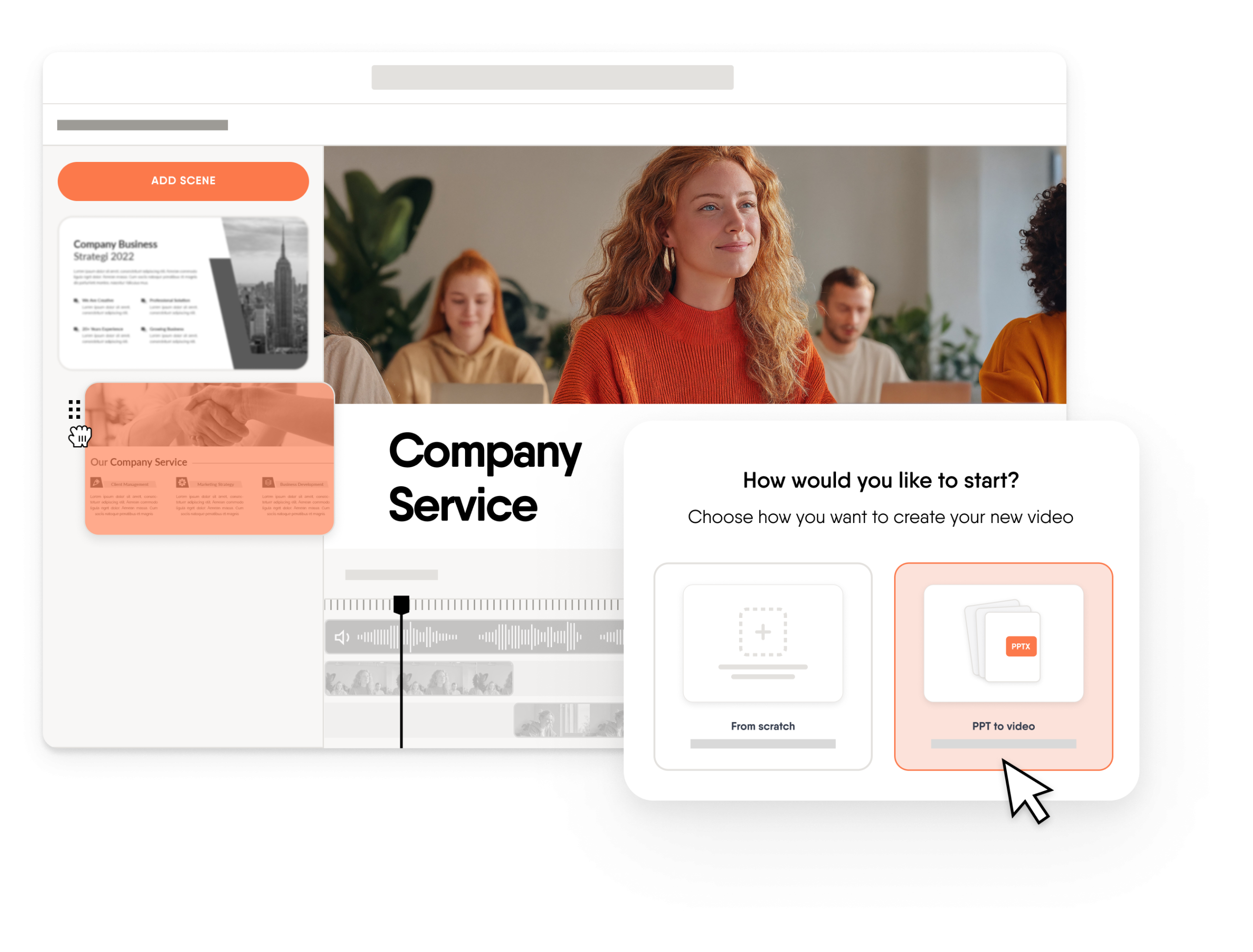
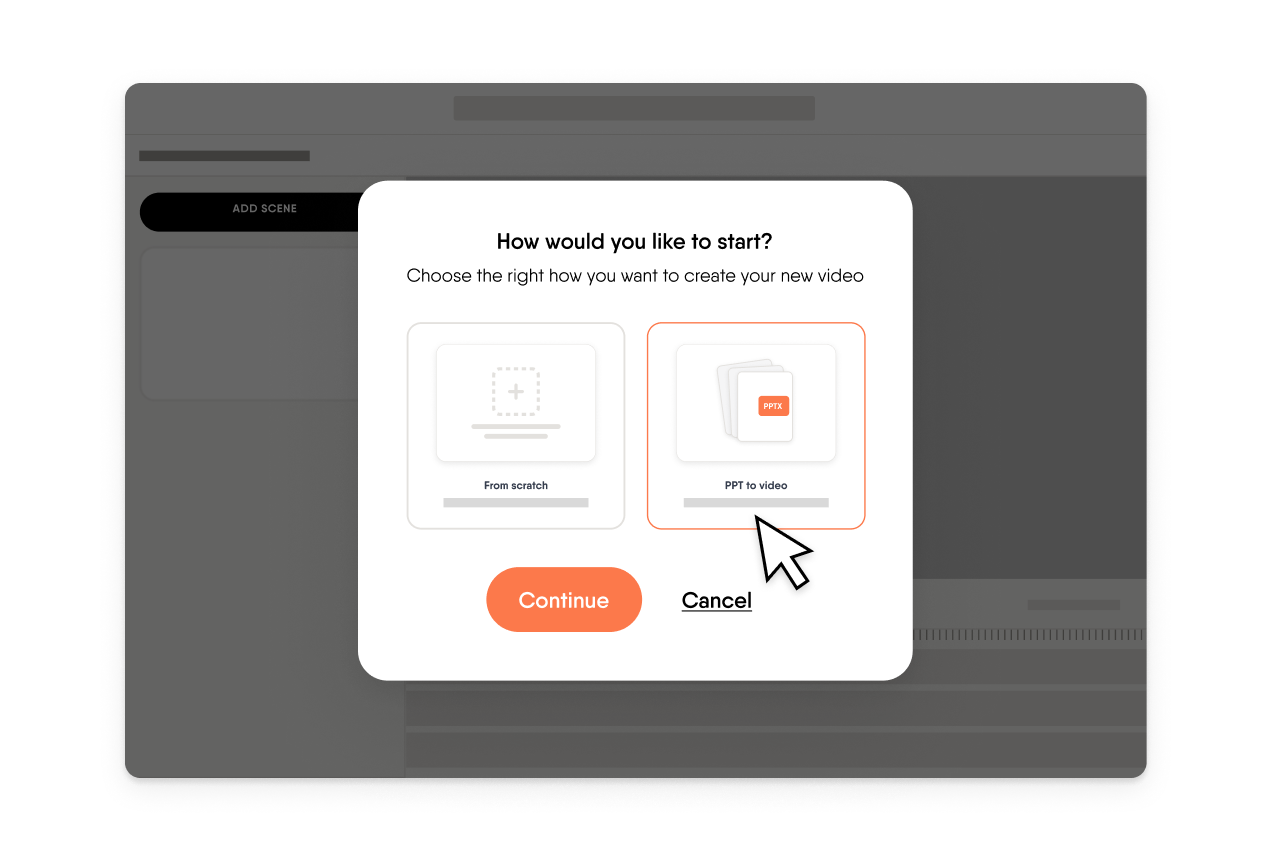
 Turn PowerPoints into videos
Upload your existing deck and EasyVideo converts it into a ready-to-publish training video. No scripting, no starting over.
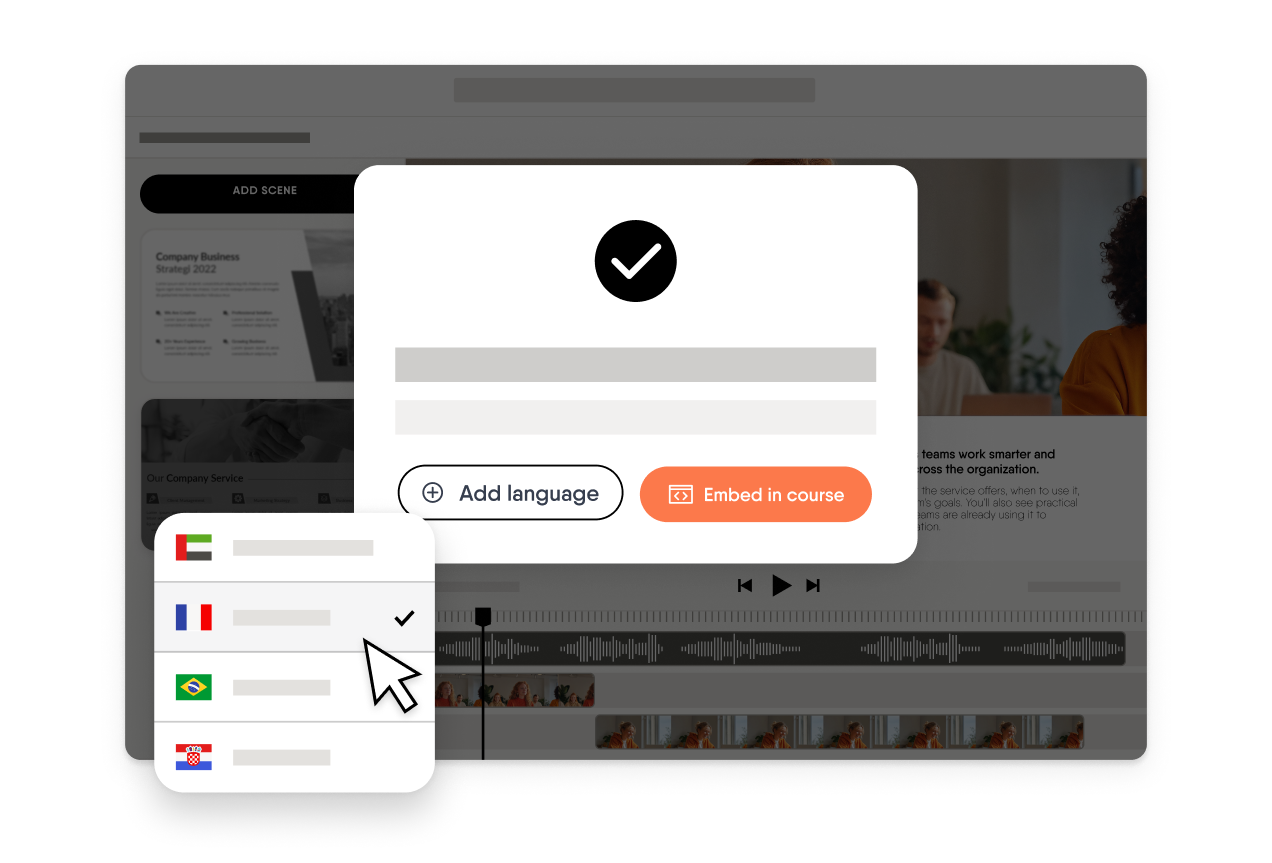
 Localize with one click
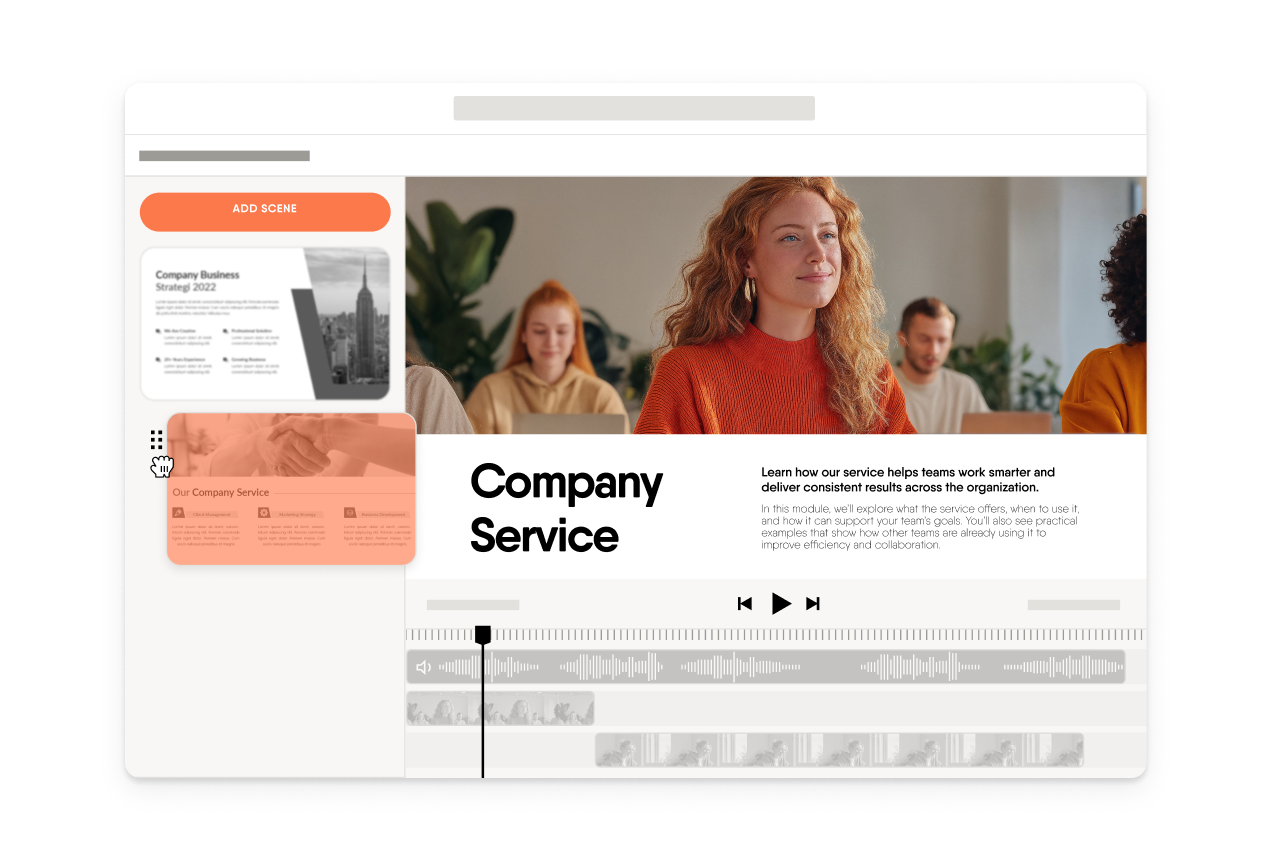
 Edit videos like you edit slides
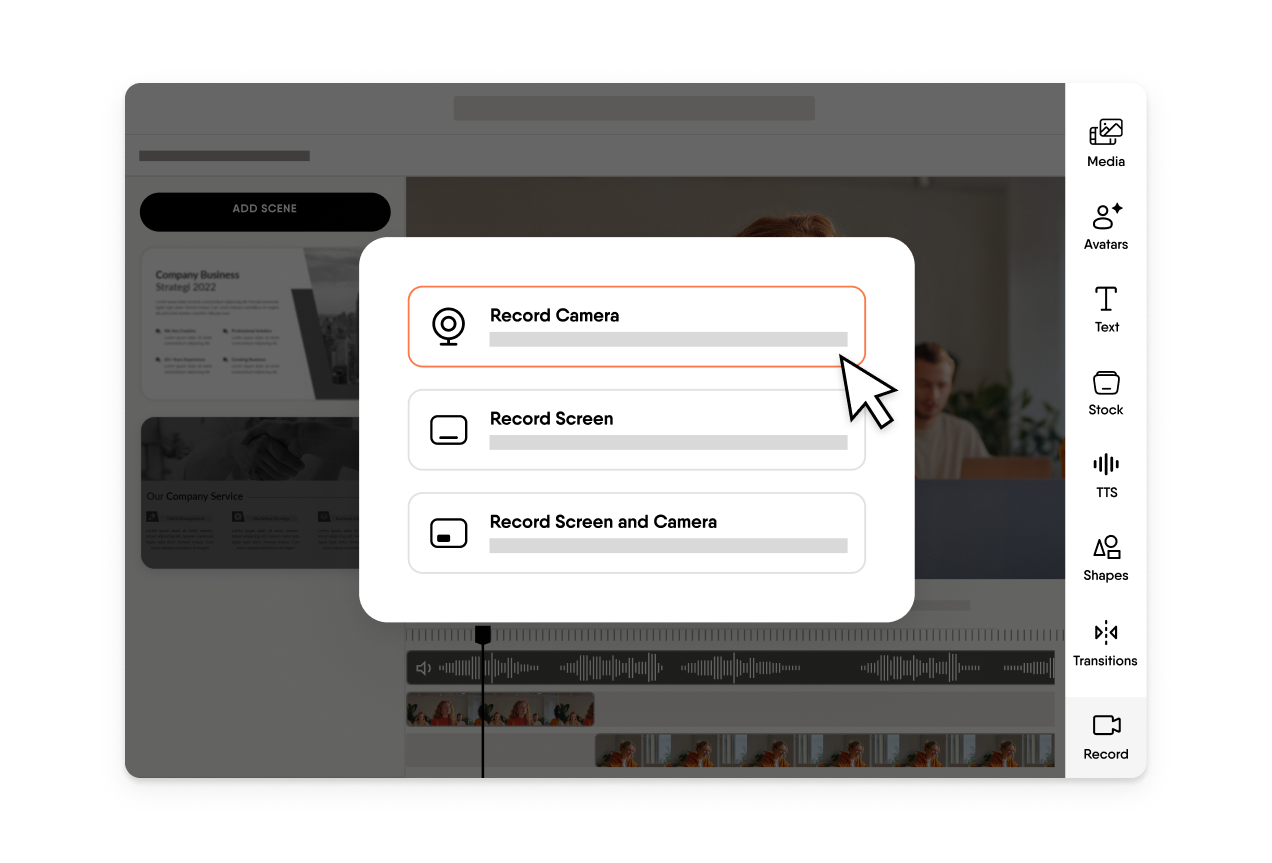
 Record your screen, camera, or both
See why industry experts love us
“Easygenerator saved my trainings!”
Leni Virginia Celene R. | Instructional Designer

“Perfect web-based learning tool”
Verified User in Automotive

“Great course builder!”
Paul L. | Head of Learning & Development
“Simple and clearly structured. Intuitive operation with many design options”
Verified User in Higher Education






Some things are just easier to show
Everything you need to make your video engaging is built in—and easy enough for anyone to use. See how EasyVideo works by pressing play below.

Built for the training your team actually needs
Designed to fit your workflows, not the other way around. These are just a few ways teams use Easygenerator every day.
Frequently asked questions
Can I use our brand fonts and colors?
–
Yes. EasyVideo automatically applies your company’s logo, fonts, and colors, so every video stays on brand.
Can we download MP4 files for other systems?
+
Yes. You can export your videos as MP4 files to share or upload them to any system you use.
Can we update a line without re-recording?
+
Yes. Simply edit your script and EasyVideo will regenerate that part automatically. No re-recording needed.
Does it replace advanced editors like Premiere or Final Cut Pro?
+
No. EasyVideo is designed for quick training videos that anyone can create, with no editing expertise required.
How is EasyVideo priced?
+
EasyVideo is available as an add-on to your Easygenerator plan. Contact our team for detailed pricing options.
Can I add or upload subtitles to my videos with EasyVideo?
+
Yes. You can upload your own subtitles or generate and edit them automatically with AI.
Will EasyTranslate also translate the subtitles of my video made with EasyVideo?
+
Yes. If you translate your course, the subtitles will be translated too, automatically and accurately.