
Easygenerator vs. Gomo
Perfecting your PowerPoint skills, or going beyond slide decks?
Scroll to compare
Two authoring models, two philosophies
iSpring extends PowerPoint with authoring features, making it ideal to convert decks into e-learning. Easygenerator takes you further, with flexible options for L&D and internal experts to create, update, and scale training together.
- Who is it for?
- How are courses created?
- What is it best suited for?
- How is it priced?

- Internal experts and learning professionals who need a simple way to share knowledge
- Real-time collaboration in the browser between internal experts and L&D teams
- Fast and scalable knowledge sharing, just-in-time learning
- Scalable pricing that allows internal experts to participate in learning creation

- Learning professionals, PowerPoint users, and trainers who mainly work with slides
- PPT add-on for desktop authoring, with co-editing available in iSpring Space/Page
- Quick conversion of existing PowerPoint decks into SCORM courses
- Fixed per-seat pricing, with costs increasing as more users are added
How Easygenerator supports peer learning
Easygenerator removes the limitations of PowerPoint-centric workflows by giving your teams more ways to create, collaborate, and scale learning.
 EasyAI
AI-powered authoring helps every expert create confidently.
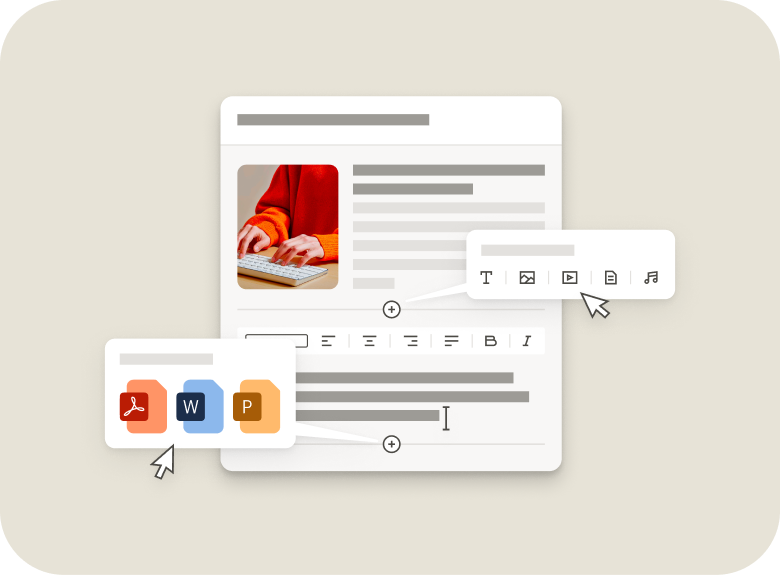
- Convert existing Word, PDF, or PPT files into interactive courses.
- Auto-generate sections, pages, and quizzes.
- Get didactically-strong courses aligned to learner goals.
- Save hours of work and reduce writer’s block.
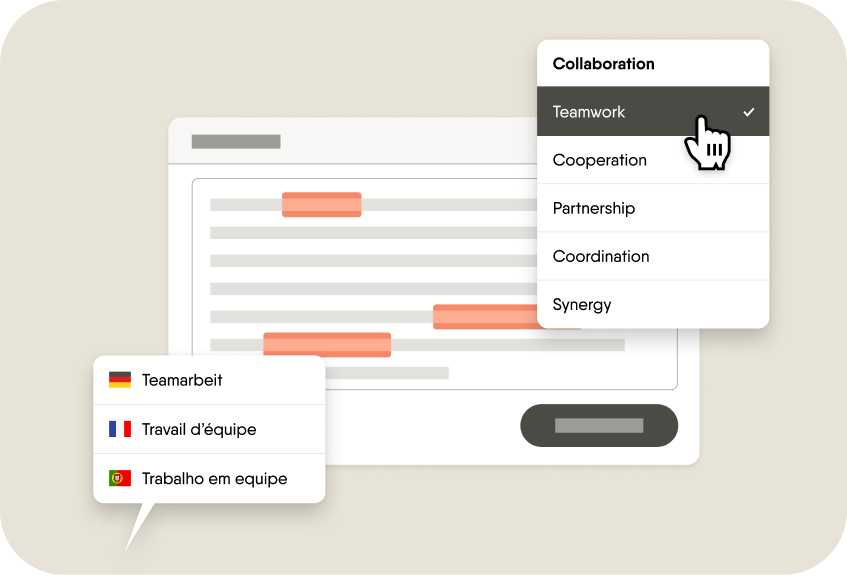
 EasyTranslate
 Collaboration
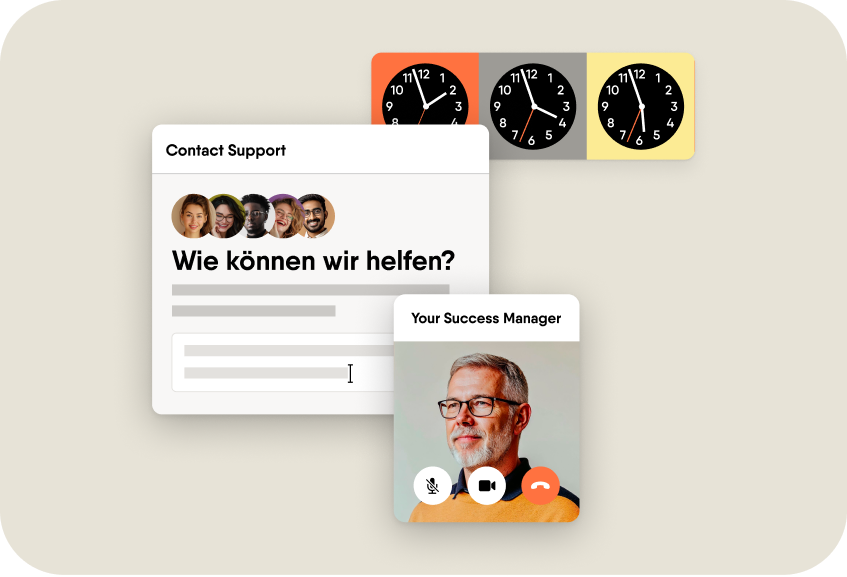
 Support
 Pricing

Knowledge matters most when it’s shared right away
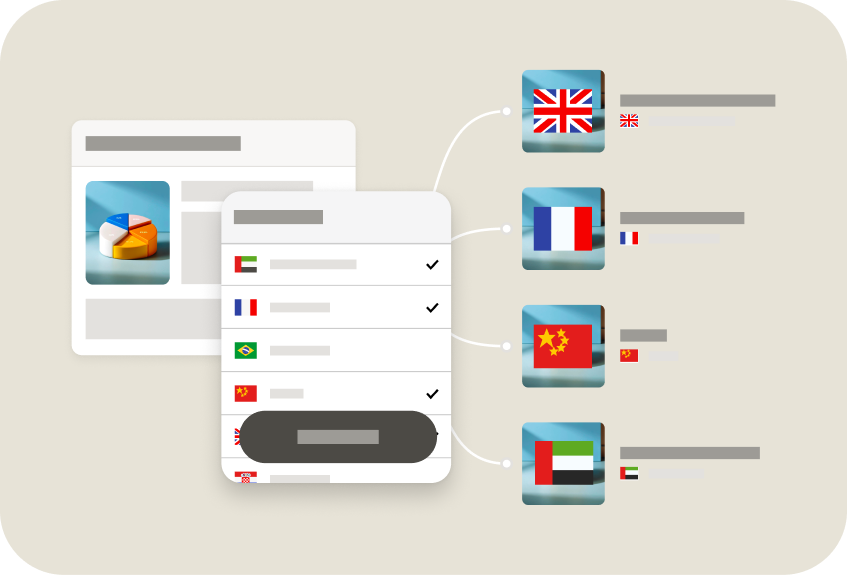
Knowledge has the most impact when experts can share it right away. They need flexible tools, not PowerPoint dependency. Easygenerator lets internal experts and L&D create and publish training together.

Key differences at a glance

|

|
|
|---|---|---|
| Ease of use |
Easy for anyone in your organization to use
|
Familiar to anyone already using PowerPoint slides
|
| Peer learning |
Built-in by design
|
|
| Rapid authoring |
Perfect for just-in-time e-learning courses
|
Convenient for converting PowerPoint decks
|
| Advanced interactivity |
Branching, AI roleplay, and interactive walkthroughs
|
Branching, quizzes, and screen recording
|
| AI-powered authoring |
EasyAI drafts content, quizzes, outlines, and more, plus converts PPT, Word, and PDF files into interactive courses
|
Automated slide conversion with interactive enhancements in PowerPoint
|
| PowerPoint dependency |
No dependency; fully browser-based
|
Requires PowerPoint for core Suite authoring
|
| Translation at scale |
Unlimited translations and edits
|
Export/import via XLIFF or Word only
|
| Regular enablement sessions |
Monthly check-ins, live enablement sessions, and custom on-demand coaching for enterprise users
|
Live enablement and onboarding sessions for enterprise users; additional product training for a fee
|
| Real-time collaboration |
Multiple authors can edit at the same time
|
Not possible in desktop; limited in iSpring Space/Page
|
| Version control |
|
File-based workflows can lead to conflicting versions
|
| Device compatibility |
Works with any device or browser
|
Requires Windows OS
|
| Dynamic SCORM |
|
|
| Native LMS integrations |
|
Native integration with iSpring Learn
|
| Support |
24/5 live support in 120+ languages
|
24/7 live support
|
See why industry experts love us
“We used iSpring for fast PowerPoint conversion, but as we moved to Easygenerator, our internal experts could update content faster, which made our learning team more agile.”
Senior L&D Manager, Global Retail Organization

“For me, Easygenerator is replacing Abobe Captivate. It’s a real timesaver.”
Wijgert S. | D&D Learning Specialist – Technical

“Easygenerator lets you create interactive training like Articulate Storyline. They have 24/5 support with real people, not bots.”
Sujeet S. (Consultant)
“Simple and clearly structured. Intuitive operation with many design options”
Verified User in Higher Education