What’s new in EasyVideo: March 2026
EasyVideo is getting more powerful. You’ll soon be able to edit with scenes, turn PPT decks into videos, and translate them for global teams in minutes.
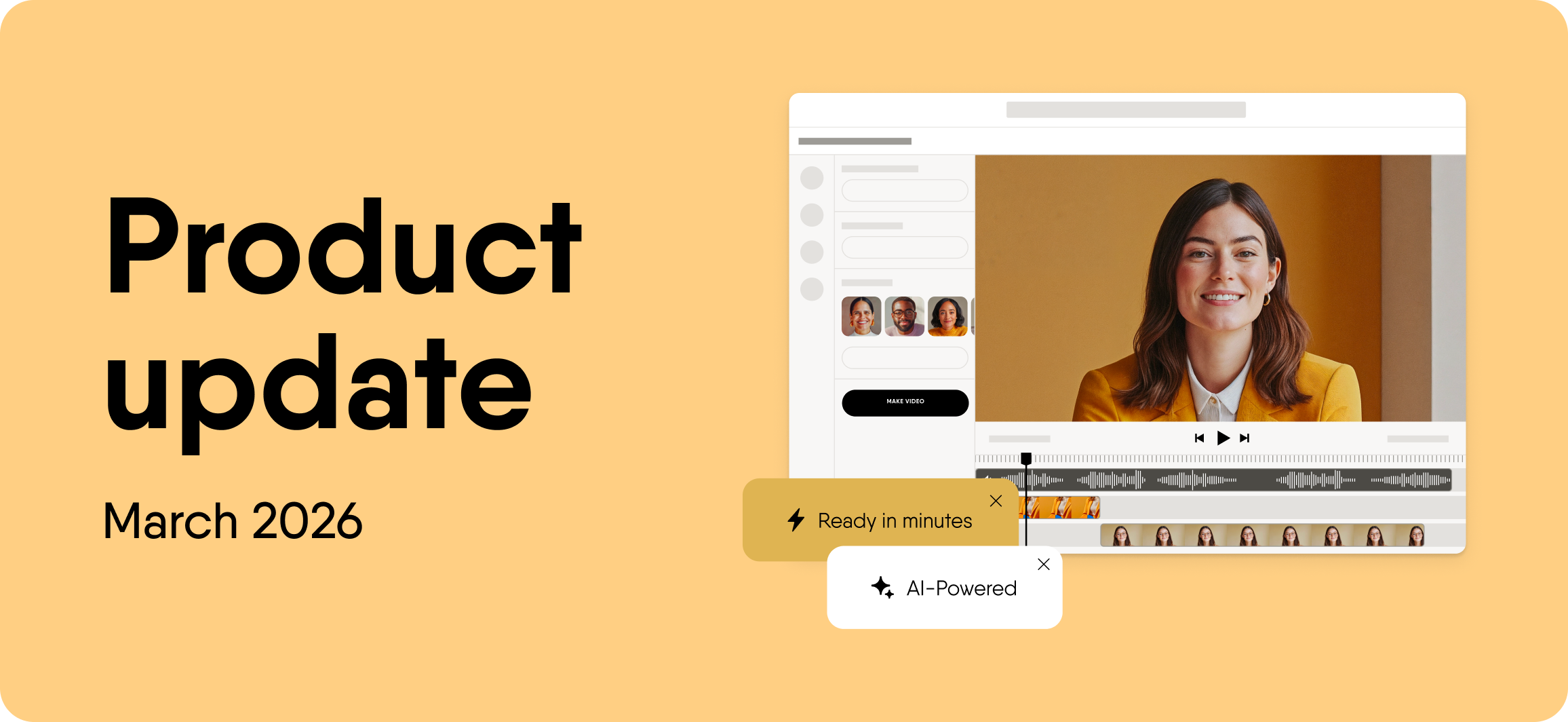
We’re excited to share the latest updates coming to EasyVideo. These updates will make it easier to turn existing knowledge into engaging training videos at scale.
EasyVideo is our AI-powered video creation add-on built inside Easygenerator. It helps L&D teams, HR, and internal experts create training videos without editing skills or external tools.
With this release, we’re focusing on 3 areas: simpler editing, faster creation, and easier global rollout.
Scene-based editing and templates (coming soon)
Scene-based editing and templates will make video creation feel more like working with slides. You’ll be able to build your video step by step, using structured templates that guide the layout and flow.
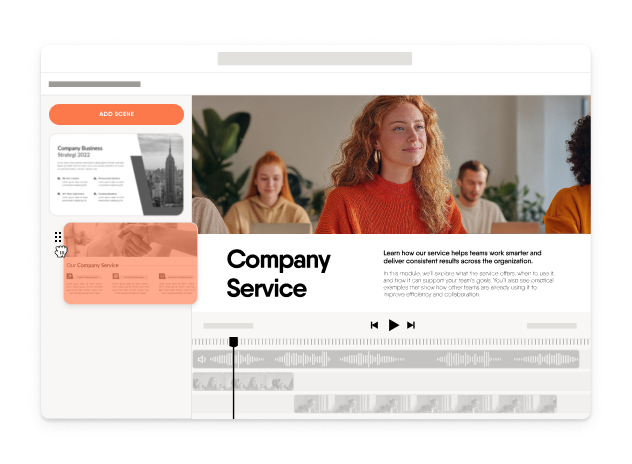
Each scene will act as a separate unit. You’ll be able to edit, reorder, or update individual scenes without affecting the rest of the video. This will give you more control and make updates easier when content changes.
PPT-to-video conversion (coming soon)
PowerPoint-to-video conversion will help you turn existing decks into ready-to-publish training videos in minutes. You’ll be able to upload a PPT file, and EasyVideo will convert each slide into a structured video format.
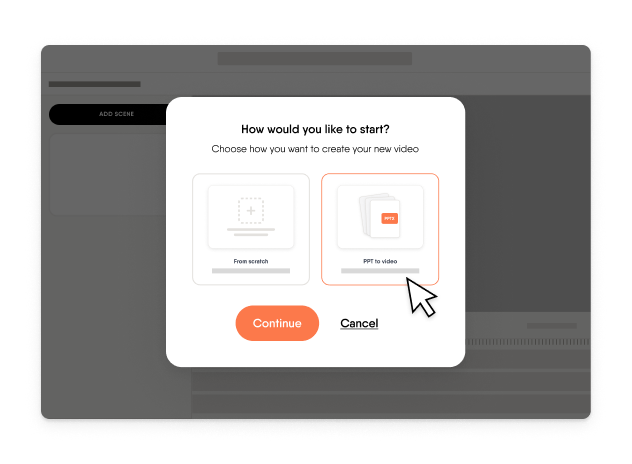
You can then refine the video inside Easygenerator. Add narration, adjust visuals, or update specific parts without starting over.
One-click translation (coming soon)
One-click translation will help you deliver training videos to global teams faster. You’ll be able to translate your video into 75+ languages in a single step.
On-screen text, subtitles, and narration will all be translated together. This will keep all versions aligned and reduce the risk of inconsistencies between languages.
Supporting capabilities
EasyVideo brings together several capabilities that support the full video creation experience.
AI avatars help you present content in a more human way without being on camera. You can choose from a wide range of avatars that fit your audience and context.
AI narration lets you generate natural-sounding voiceovers in multiple languages and accents. This helps you create content that feels relevant to different teams.
Screen and camera recording allow you to create walkthroughs, product demos, and practical training videos in one place.
All of these features work inside Easygenerator. You can combine video with quizzes, text, and interactive elements to create complete learning experiences.
Create training videos with EasyVideo
Read more

It's easy to get started
-
 14 day trial with access to all features. Start with variety of course templates.
 -
Get unlimited design inspirations. Level up your courses.
-
Upload your PowerPoint presentations. Get instant courses created.