


Create company-tailored training at scale
Turn knowledge into training with an authoring tool anyone can use.
Trusted by 75,000+ authors in 2,000+ companies

We’re the only authoring platform that anyone can use
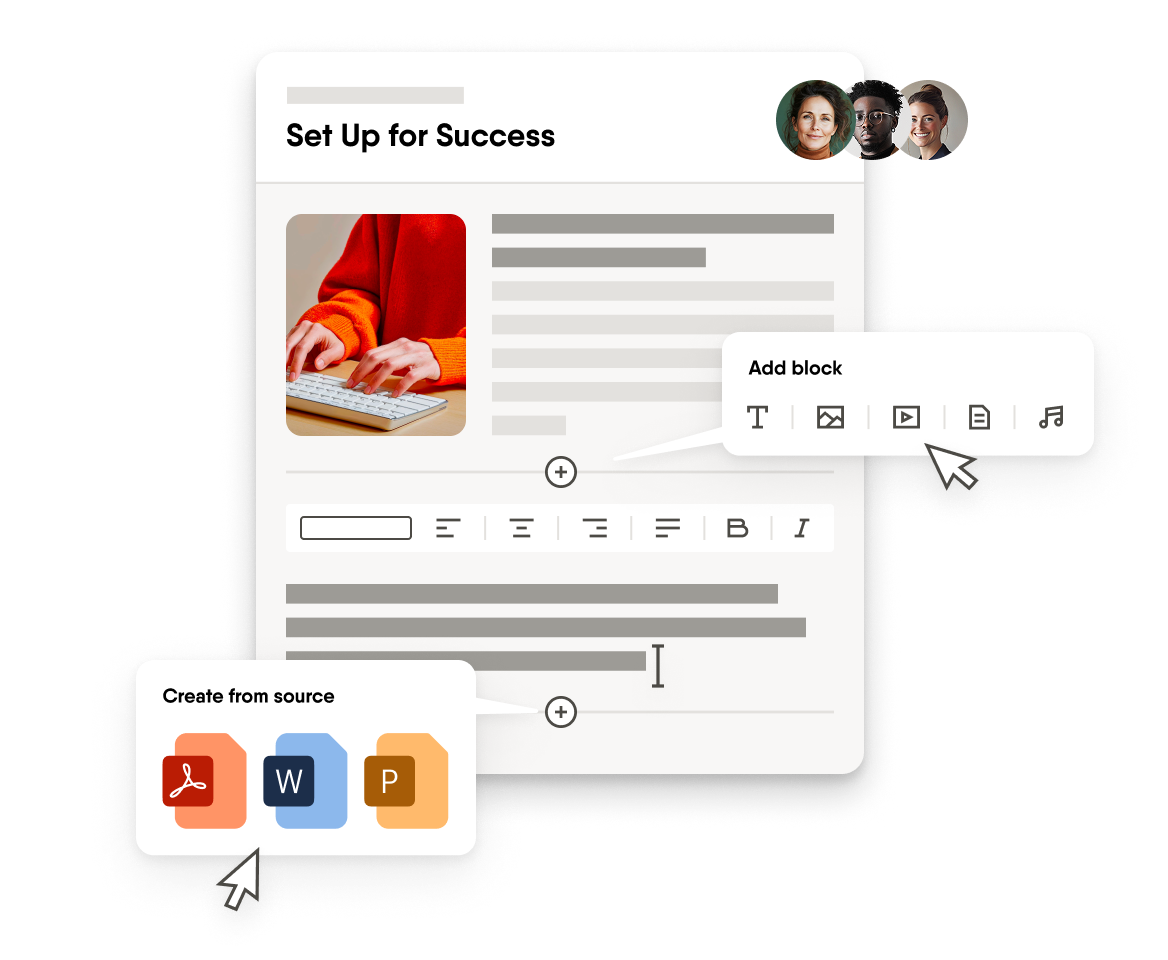
Easy for everyone
Easygenerator is designed for simplicity and ease of use, which means anyone in your organization can share knowledge without adding to L&D’s workload.
Take a 2-minute tour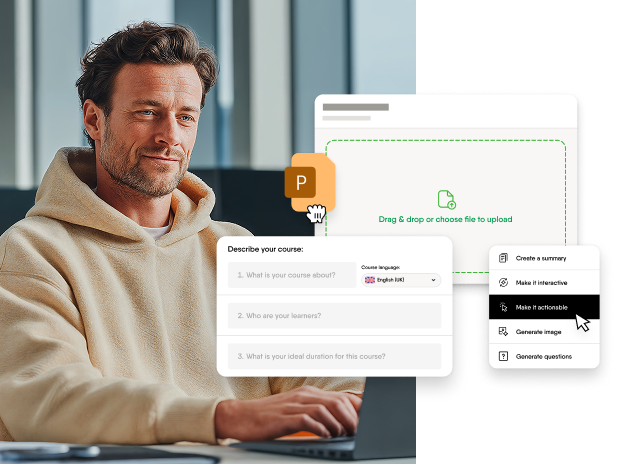
AI that helps experts share knowledge
Our award-winning AI guides your experts through creating structured and contextual learning experiences. It helps turn their knowledge into courses focused on real outcomes. Included in all plans at no extra cost.
Learn more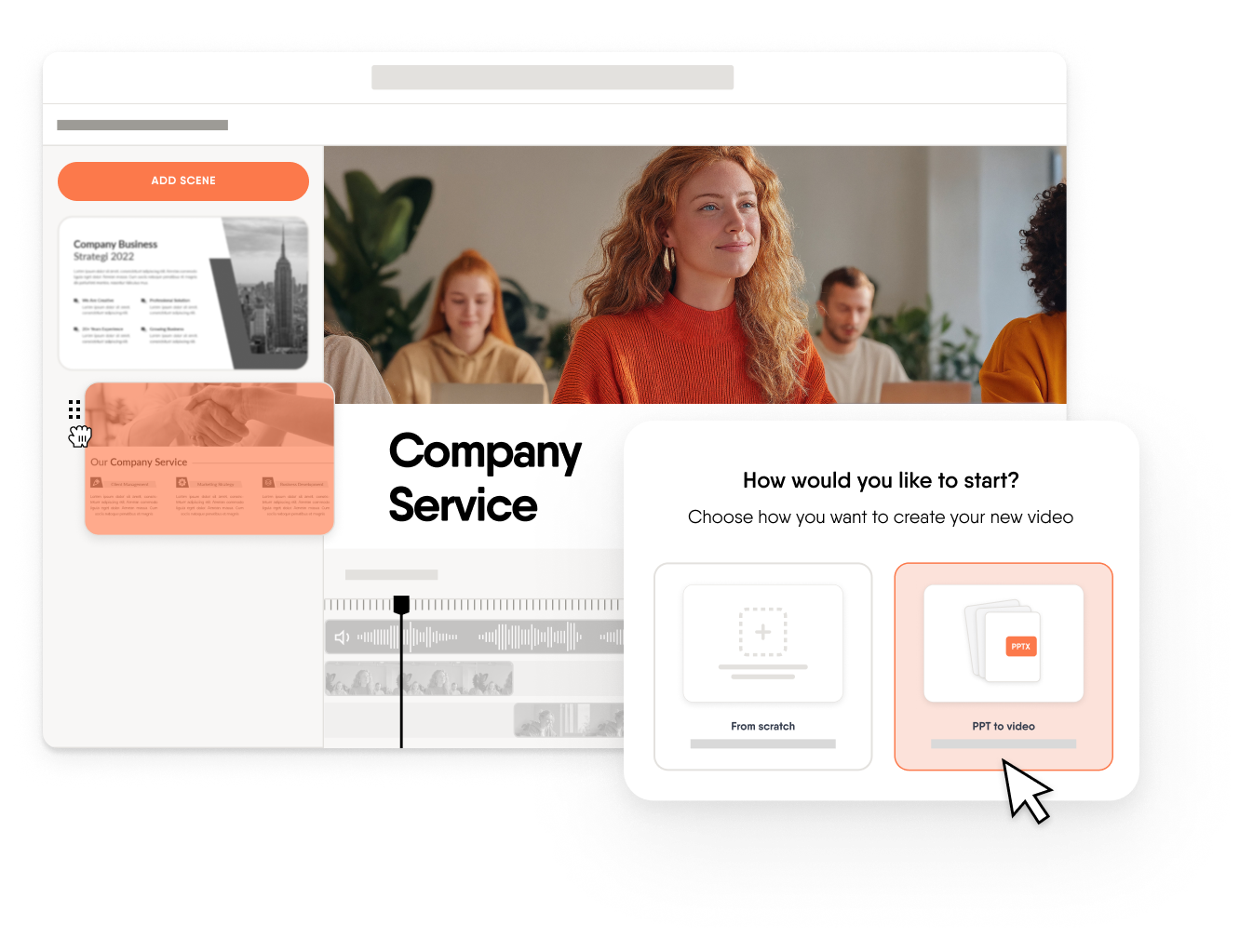
AI-powered video creation
Create engaging training videos in minutes from existing knowledge and decks, without editing skills, translation costs, or external tools.
Learn more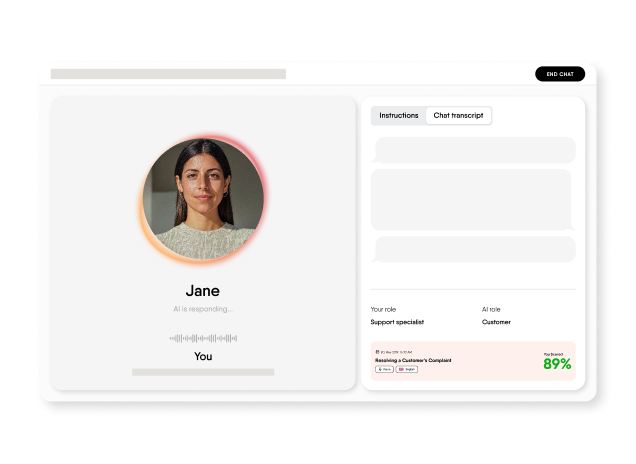
Skill practice through coaching
Some skills can’t be learned through content alone — they require practice. EasyCoach lets learners practice real workplace conversations using voice or text and receive instant feedback after every session.
Learn more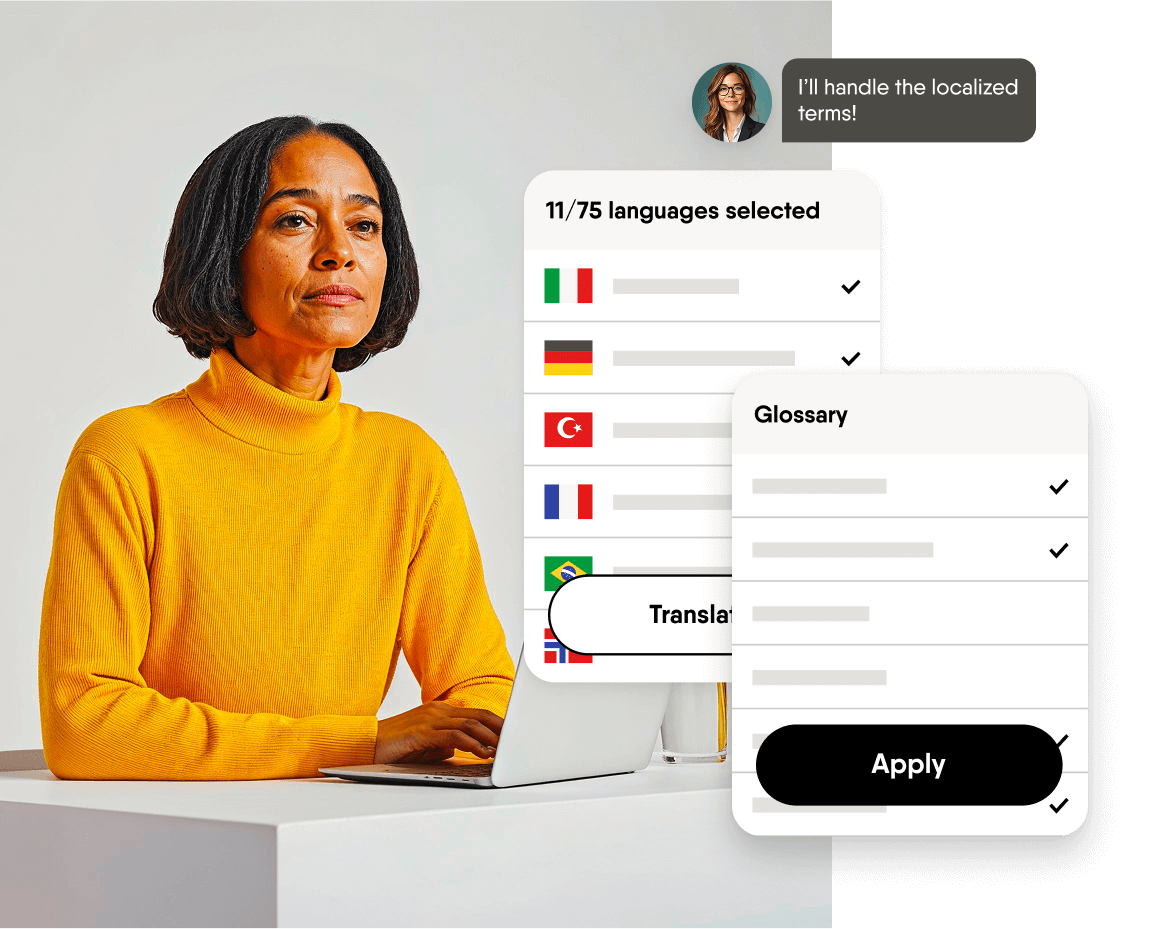
Built-in localization suite
Your teams can translate and update courses without leaving Easygenerator or disrupting their authoring flow. Keep learning consistent worldwide across 75 languages. All with predictable pricing.
See our features for global teamsWhat organizations create with Easygenerator
Software you can trust
Your data is safe with us. Easygenerator is GDPR-compliant with secure servers in Europe.

ISO27001 certified

GDPR compliant

Data center based in Frankfurt, Germany

End-to-end data encryption

Amazon Web Security (AWS) Services

OWASP secure development standard
Don’t take our word for it


Marion Moulin
L&D Program Coordinator, Sodexo
Easygenerator made things easy. It is easy to drag and drop and to start understanding on your own just by trying things.


Rob Jack
Principal of Risk Culture and Capability, BHP
We could easily have spent AU$500,000 on risk-related training in the past few years. Currently, we're on track to spend less than $100,000.


Federico Bevilacqua
Commander, GlobeAir
Everyone is happy because we can tailor the training specifically to our operations and company while also saving money.


Cecilie Tystad
Training Director Sales & Service, Electrolux
If we wouldn’t have started with Easygenerator, we wouldn’t be able to produce as much content to train our customers and service providers as we are now.